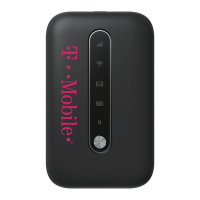
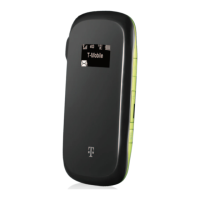
Charge your Mobile HotSpot
You can charge your Mobile HotSpot
using a wall outlet or by plugging
it in to your computer using the
USB cable.
CONNECT & GO
Connect
your
Wi-Fi
device
to
your
Sonic 2.0
Mobile HotSpot
1.
P
ower
on
your
Mobile
HotSpot.
2. On your computer or other Wi-Fi enabled device, search
for available Wi-Fi Networks and select the default Network
Name (SSID) for your Mobile HotSpot.
3.
Enter
the
default
password
and
click
OK
.
Note
:
The Default Network Name (SSID) and password are located
on the back of your Mobile HotSpot.
It may take up to a minute to establis
h
a
connection.
4. Open a web browser and go!



 To Next Page