16
Establishing a WPS Connection
If a Wi-Fi client connected to the Mobile Hotspot supports the WPS function, the Mobile
Hotspot can generate a network key without manual input. To establish a WPS connection,
perform the following steps:
1. Power on the Mobile Hotspot.
2. Start the client.
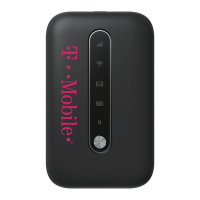
3. Enable the WPS function of the Mobile Hotspot.
Note: Press and hold
to enable the WPS function of
the Mobile Hotspot.
4. Enable the WPS function of the client.
Note: For client Wi-Fi operations, see the clients’ user guide.



 To Next Page