2
Charging the Battery
Before using your mobile hotspot, ensure that the battery is fully
charged. Be sure to use the charger that came with your device.
• It normally takes 3~5 hours, depending your power sources
and device status to fully charge the battery.
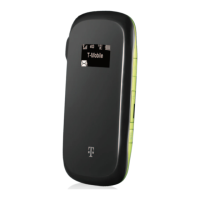
• Insert the small end of the USB cable into the micro-USB
charging port on the right side of the hotspot.
• Plug the charging adapter into a standard AC power outlet.
Battery life depends on the network, signal strength, tempera-
ture, features, and active connection time.
Get Ready
• Make sure you are in an area covered by T-Mobile
• Make sure the device you are trying to connect to your Hotspot
has its Wi-Fi (wireless network connection mode turned on.
Power up the Hotspot
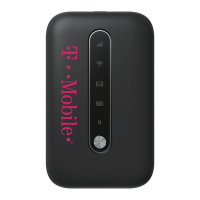
• To turn your hotspot on or o, press and hold the Power But-
ton on the front of the device for at least two seconds.


 To Next Page
 Loading...