4
Connecting to Your Hotspot
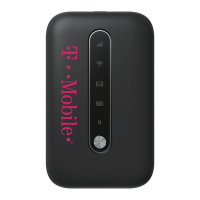
• Turn on your Hotspot and your Wi-Fi enabled device
• Open the Wi-Fi application or controls on your laptop or Wi-Fi
capable device that you want to connect to your Hotspot
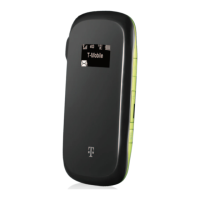
• Find your Hotspot’s Wi-Fi name and enter your password to
connect to the internet. Note: Your Wi-Fi Name (SSID) and
Password appear on the Hotspot LCD display.


 To Previous Page
 Loading...