10
TACTACAM.COM
SETTING UP THE CAMERA
You can automatically change and apply the camera settings when your phone is
connected to the camera’s Wi-Fi. This will not work unless you are next to the camera.
1. Turn Defend to SETUP mode.
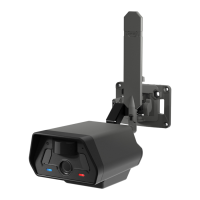
2. When the Signal light is blinking blue, it is ready to pair to your phone or tablet.
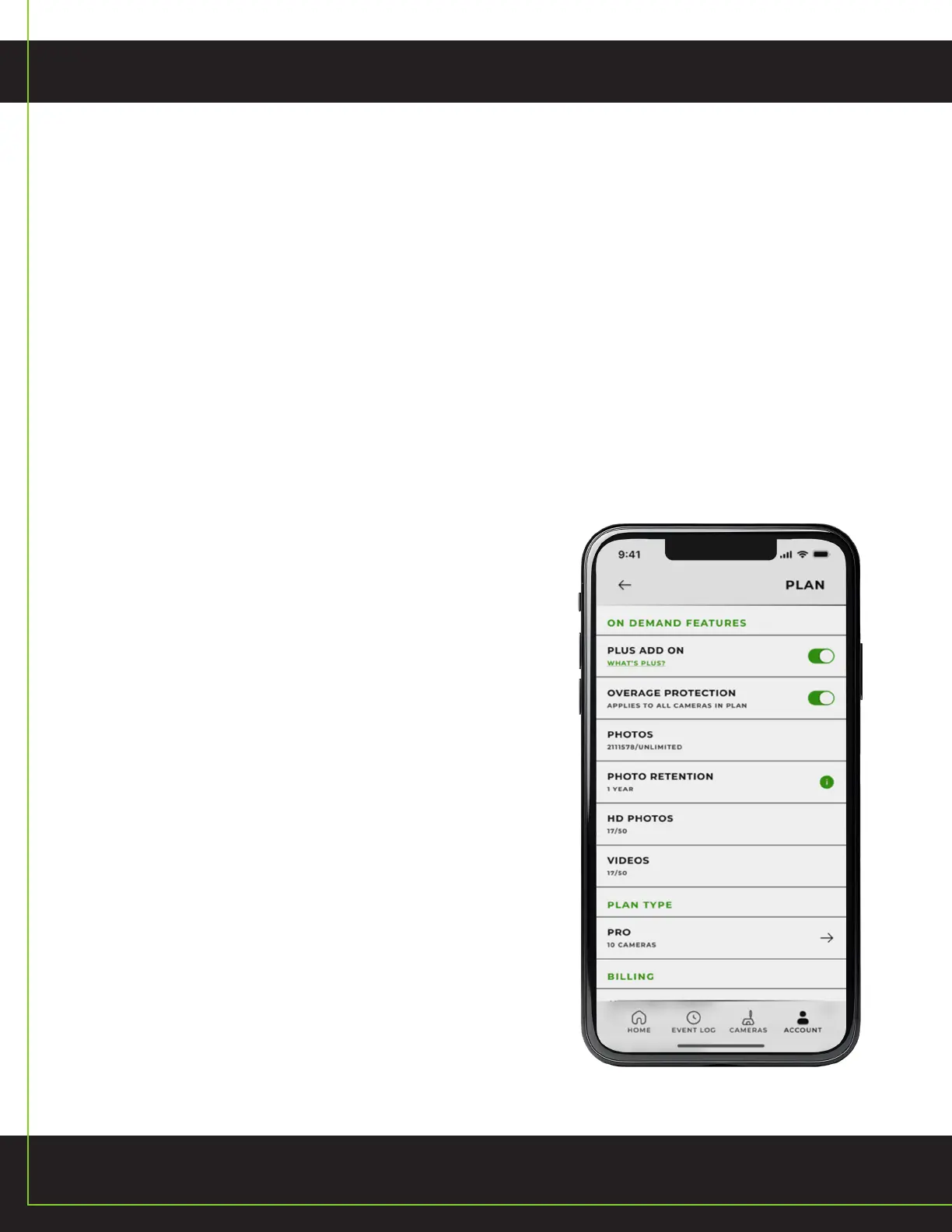
3. In the app go to the Account page and click “Connect to Defend Wi-Fi”.
4. Follow the in-app instructions. You can also manually connect in your phone’s Wi-Fi
settings, select “Defend” and enter the password (DEFEND2024). This Wi-Fi password
is case sensitive, no spaces.
5. See preview on phone screen
a. Red line on preview is point of focus
b. To send test picture, press “Test” button on camera
Also available in the app while connected to Wi-Fi:
a. Instantly apply setting changes from the app
b. Formatting SD card, which may be necessary if you
purchased a non-Tactacam branded SD card.
PAIRING YOUR CAMERA TO
YOUR PHONE THROUGH WI-FI


 To Next Page