tado° – Technical Documentation V1.0
5
Smart Thermostat UI
Smart Thermostat UI
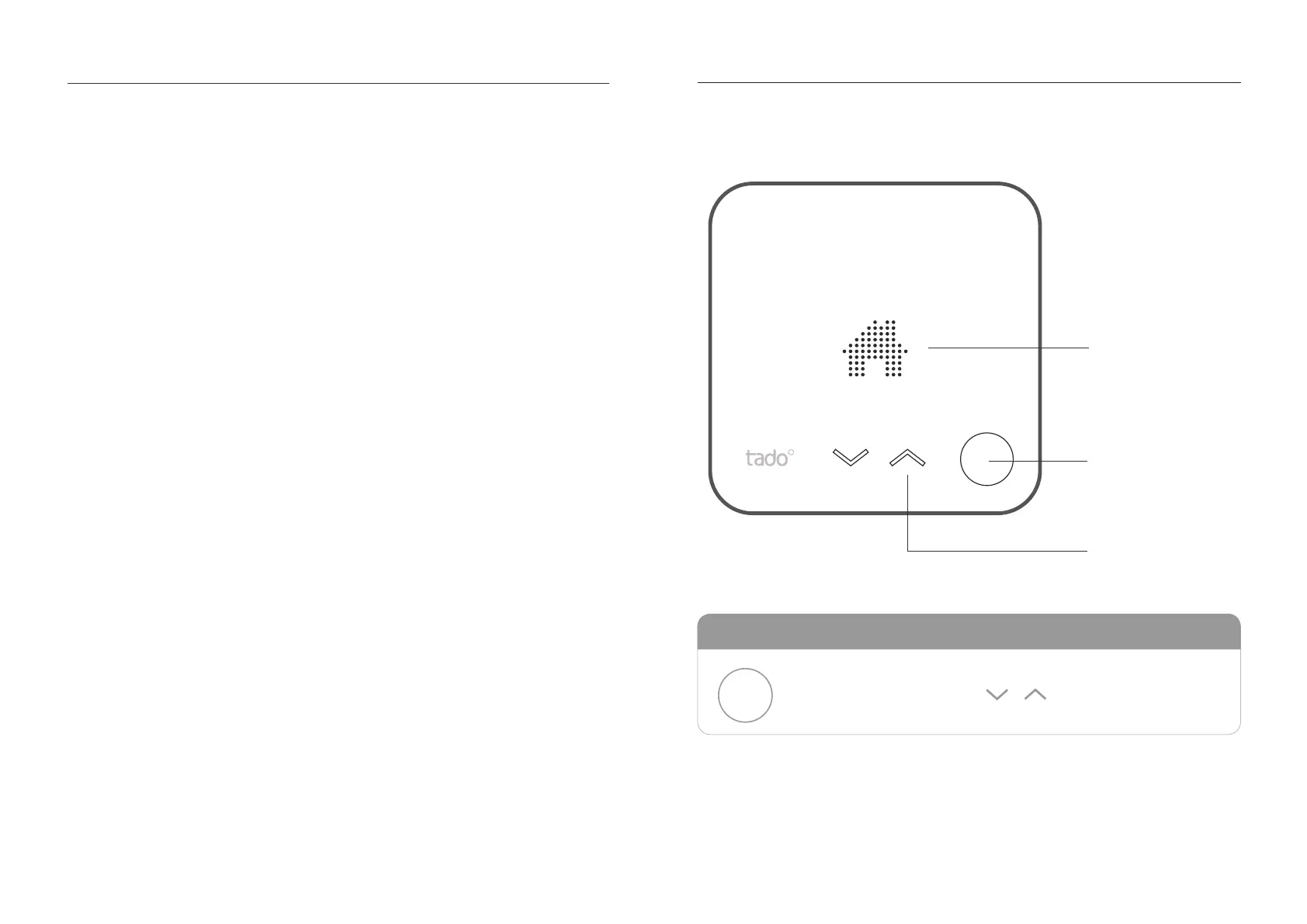
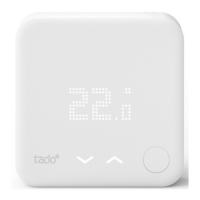
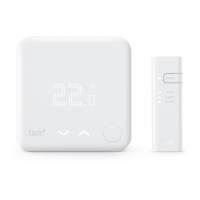
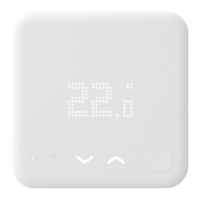
tado°s Smart Thermostat has a user interface which is activated by pressing the button
on the bottom right. First the current temperature is displayed. The mechanical button
on the bottom right can be used to ip through the menu. The next press switches
to the Operation / Mode screen. After pressing the button once more, the setpoint
temperature is displayed and can be adjusted using the cap-touch buttons, which light
up when settings can be changed. On heating systems that support hot water prepe-
ration, the current hot water state (on/off or temperature on specic systems) and hot
water operation are accessible by pressing the mechanical button again.
Control elements
the mechanical button
activates and traverses
through the menu
switch operation and ad-
just setpoint temperature
LED matrix display
Mechanical push button
Touch arrows


 To Next Page