To trim thread
85
Chapter 5
1
2
3
4
5
6
7
8
9
10
11
PT10
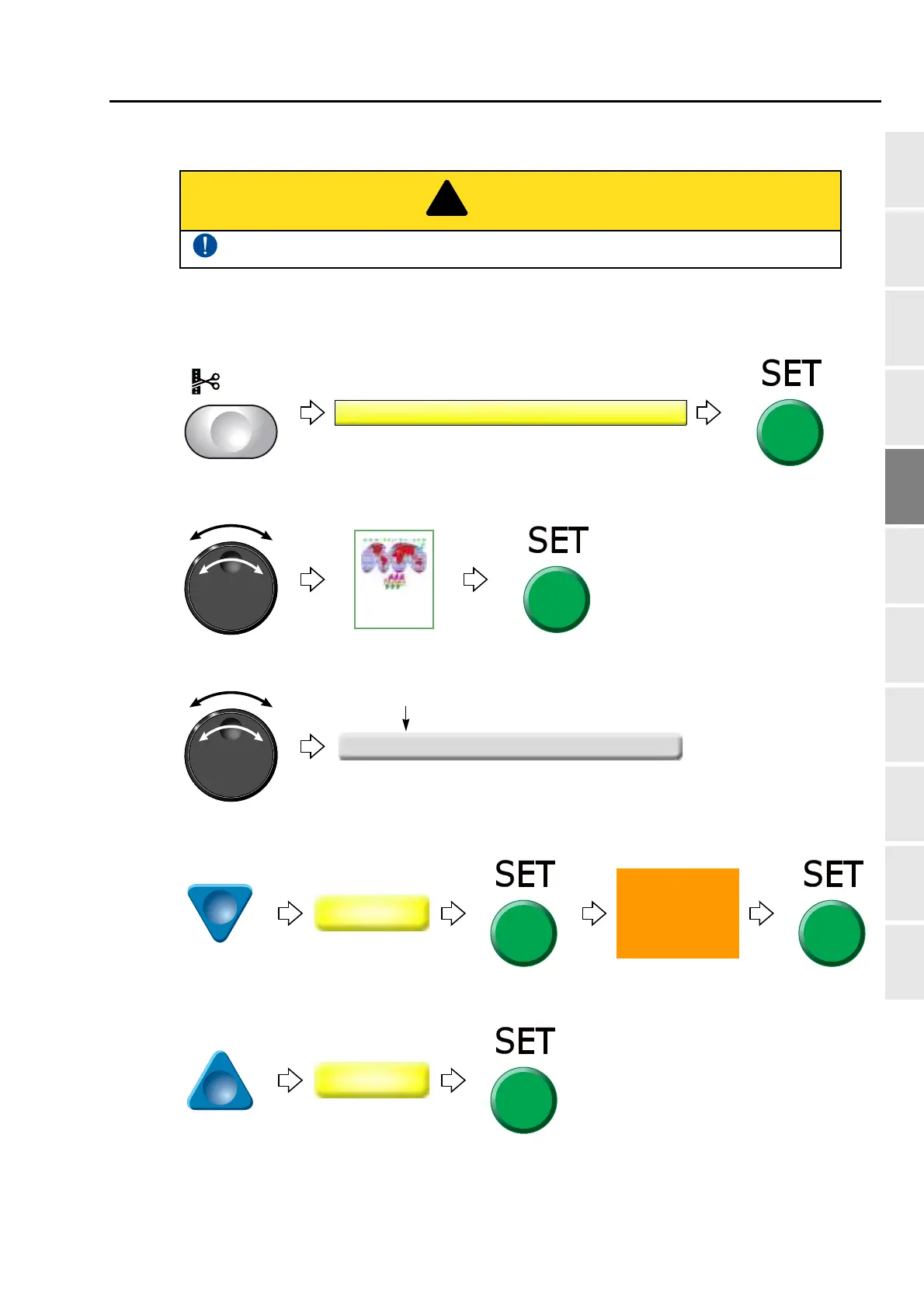
2-6-2. How to operate
The following is an example that thread trimming code is added to 20th stitch.
(1) To open screen
(2) To select a design
(3) To select stitch No. to perform thread trimming
(4) To select "Insert" and decide
(5) To select "Modify" to move the cursor
The original design will be overwritten after editing. Back up design data as necessary.
Press SET key three times.
20 -12 0 Stitch
20th stitch



 To Next Page