To embroider the same design repeatedly
108
Chapter 5
UO04
6-2. To repeat at the same place (A.S. after Auto Data Set)
This setting makes the machine start automatically after finishing embroidery and embroider the same
design repeatedly.
This function is effective only when "Auto Start (AS)" is set to "YES". (p.54)
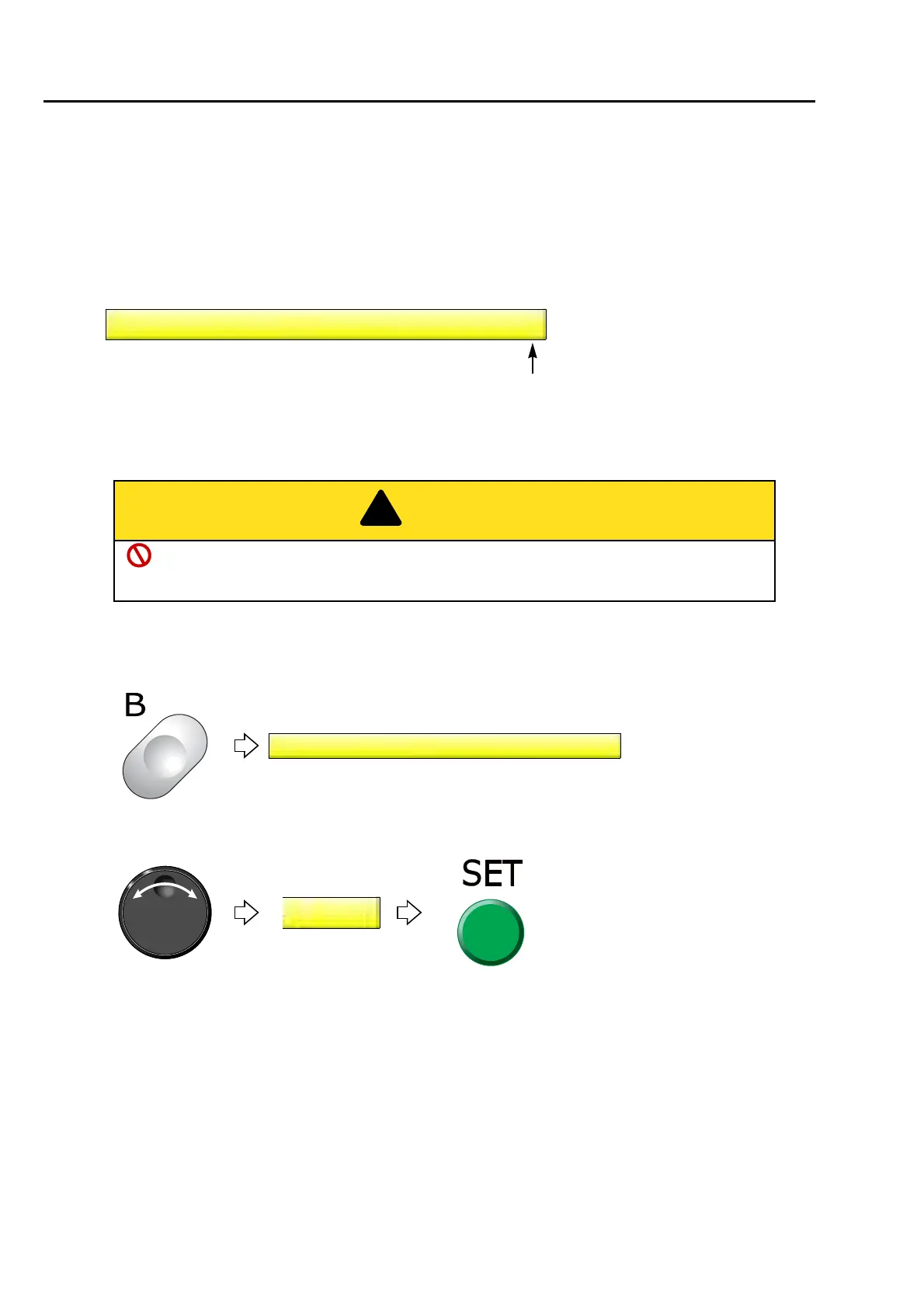
6-2-1. Explanation on the screen
6-2-2. How to operate
The following is the example of setting "Auto Start" after setting "Auto Data Set".
(1) To open screen
(2) To set automatic start after automatic data set
YES: To set
NO: Not to set (usual setting)
After the embroidery is finished, do not put your hands etc. on the table. Automatic start
operation could injure you.
6 Automatic Start after Automatic Data Set
NO
6 Automatic Start after Automatic Data Set
NO



 To Next Page