To increase embroidering efficiency
125
Chapter 5
1
2
3
4
5
6
7
8
9
10
11
QS07
8-4-2. How to operate
The following is the example of setting the color change speed to "High".
(1) Press C key within ten seconds after turning ON the power and keep on pressing it. If C+PW screen is
displayed, release it.
(2) To select color change speed
8-5. To change travel speed of the frame (Frame Travel Speed)
This function targets at origin return of the frame and/or offset travel.
8-5-1. Explanation on the screen
8-5-2. How to operate
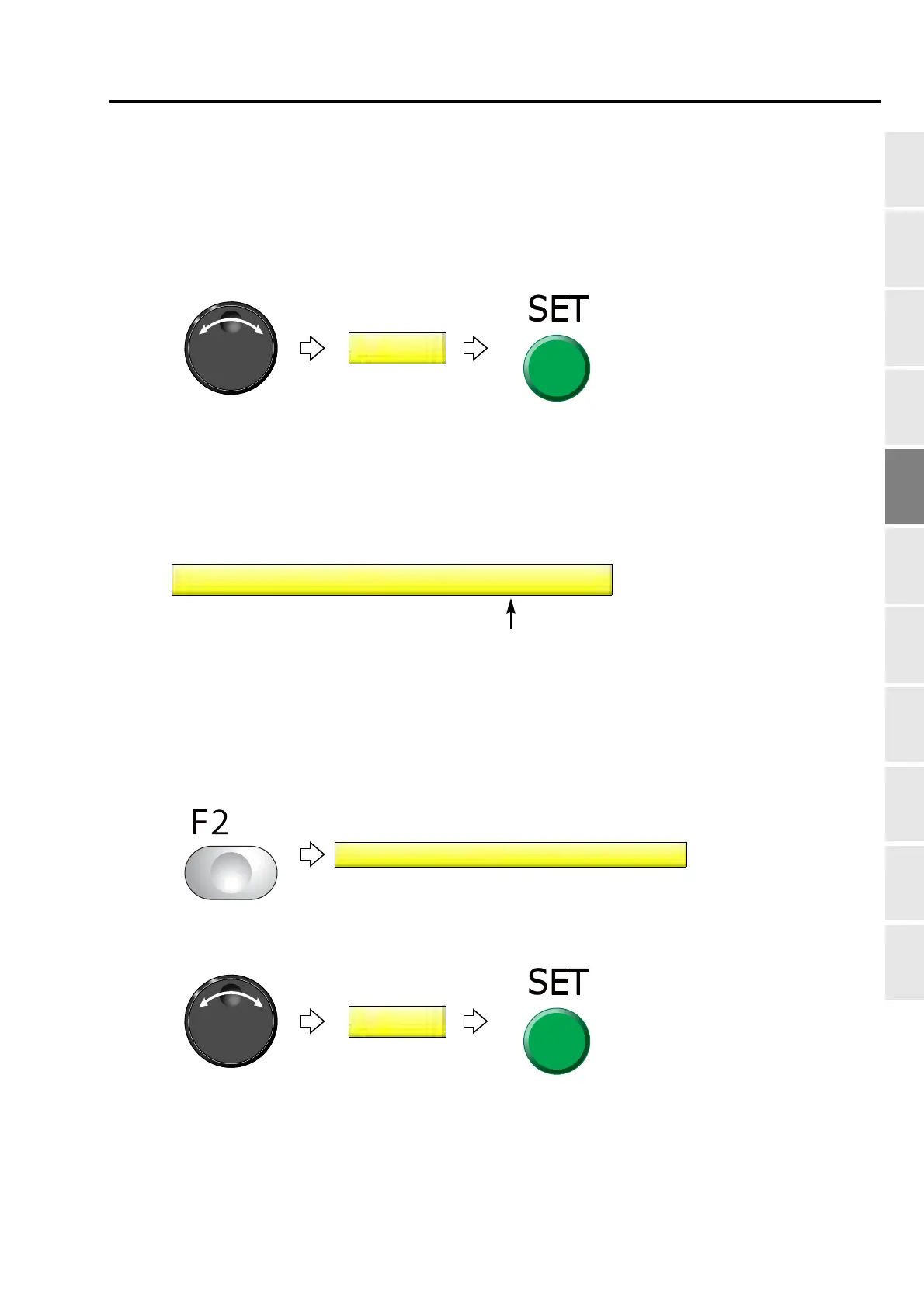
The following is the example that Frame Travel Speed is set to "100 mm/sec".
(1) To open screen
(2) To select Frame Travel speed
200: 200 mm/second
100: 100 mm/second
5 Frame Travel Speed
200 mm/sec
5 Frame Travel Speed
200 mm/sec



 To Next Page