To edit design
131
Chapter 5
1
2
3
4
5
6
7
8
9
10
11
PT10
(8) Decide the modification.
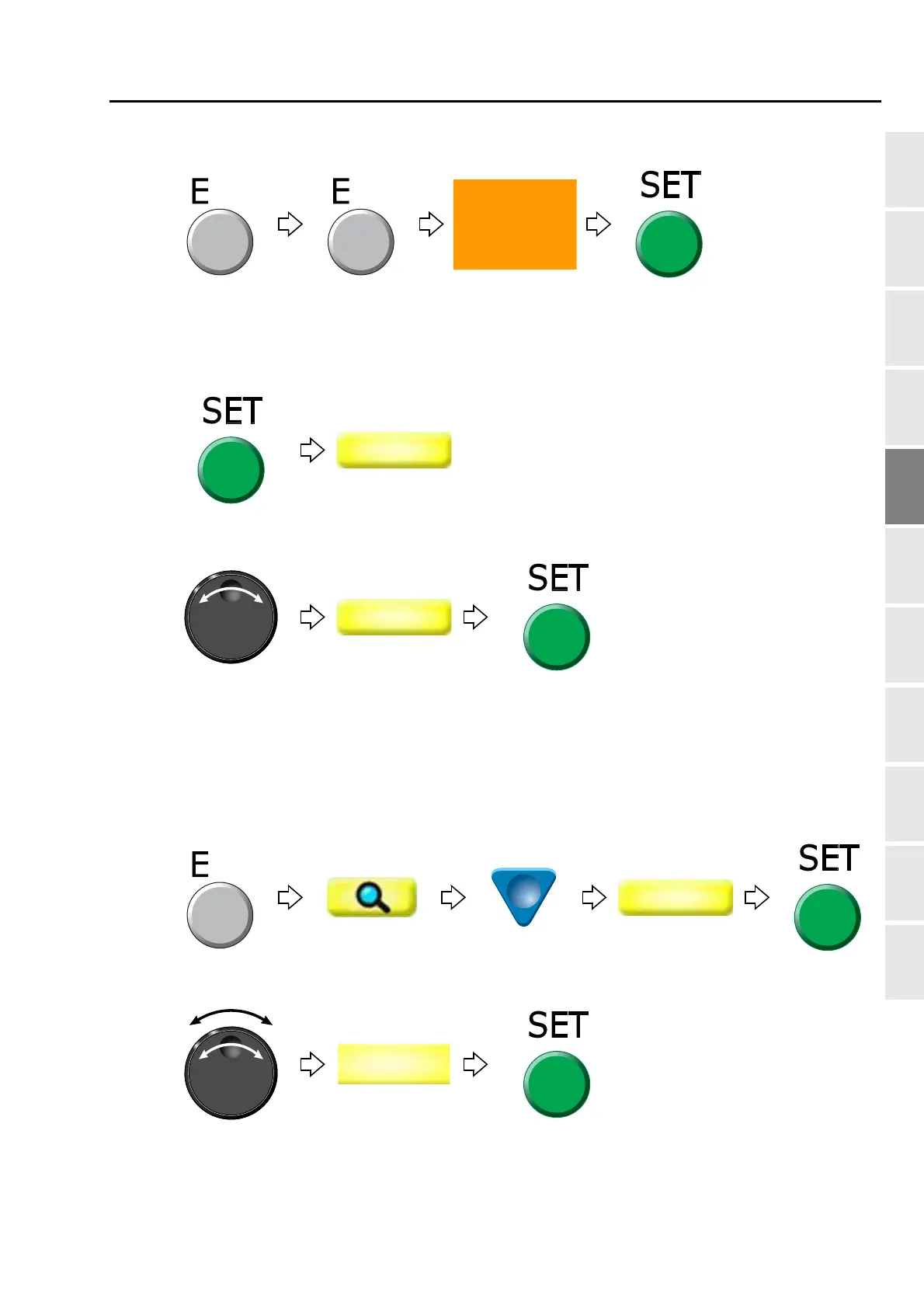
[To select stitch No. by using search function]
(3) To make search function effective
(4) To search stitch by function code
(5) To complete the search and select "Modify"
(6) To edit X data
Pressing SET key will search the stitch including a
function code "Color". Pressing SET key further will
search the next stitch.
When there is no selected function code, display will not
change.



 To Next Page