To edit design
135
Chapter 5
1
2
3
4
5
6
7
8
9
10
11
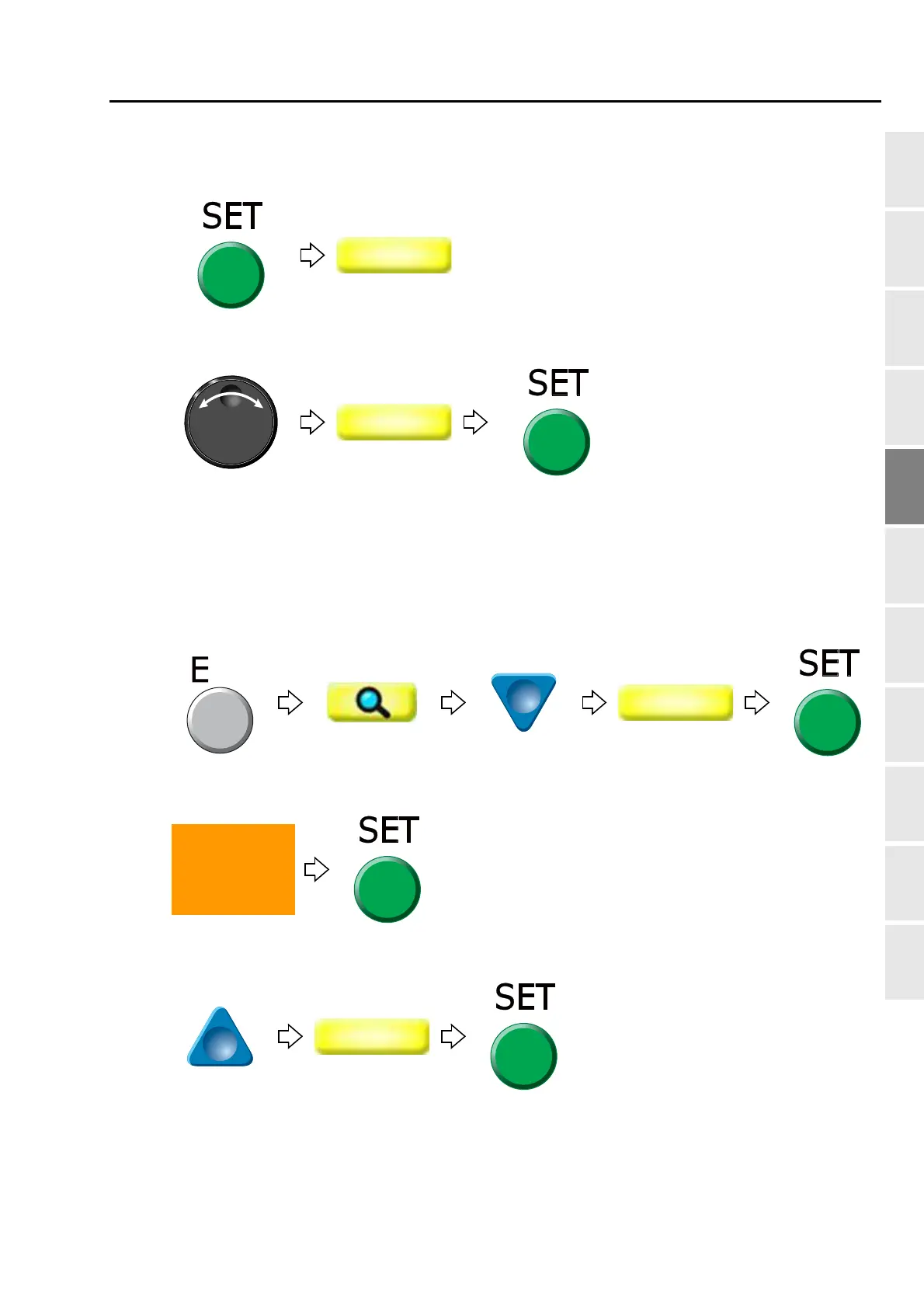
[To select stitch No. by using search function]
(3) To make search function effective
(4) To search stitch by function code
(5) To complete the search and select "Insert"
(6) To execute insertion
(7) To select "Modify" to move the cursor
Pressing SET key will search the stitch including a
function code "Color". Pressing SET key further will
search the next stitch.
When there is no selected function code, display will not
change.
Press SET key three times.
PT10



 To Next Page