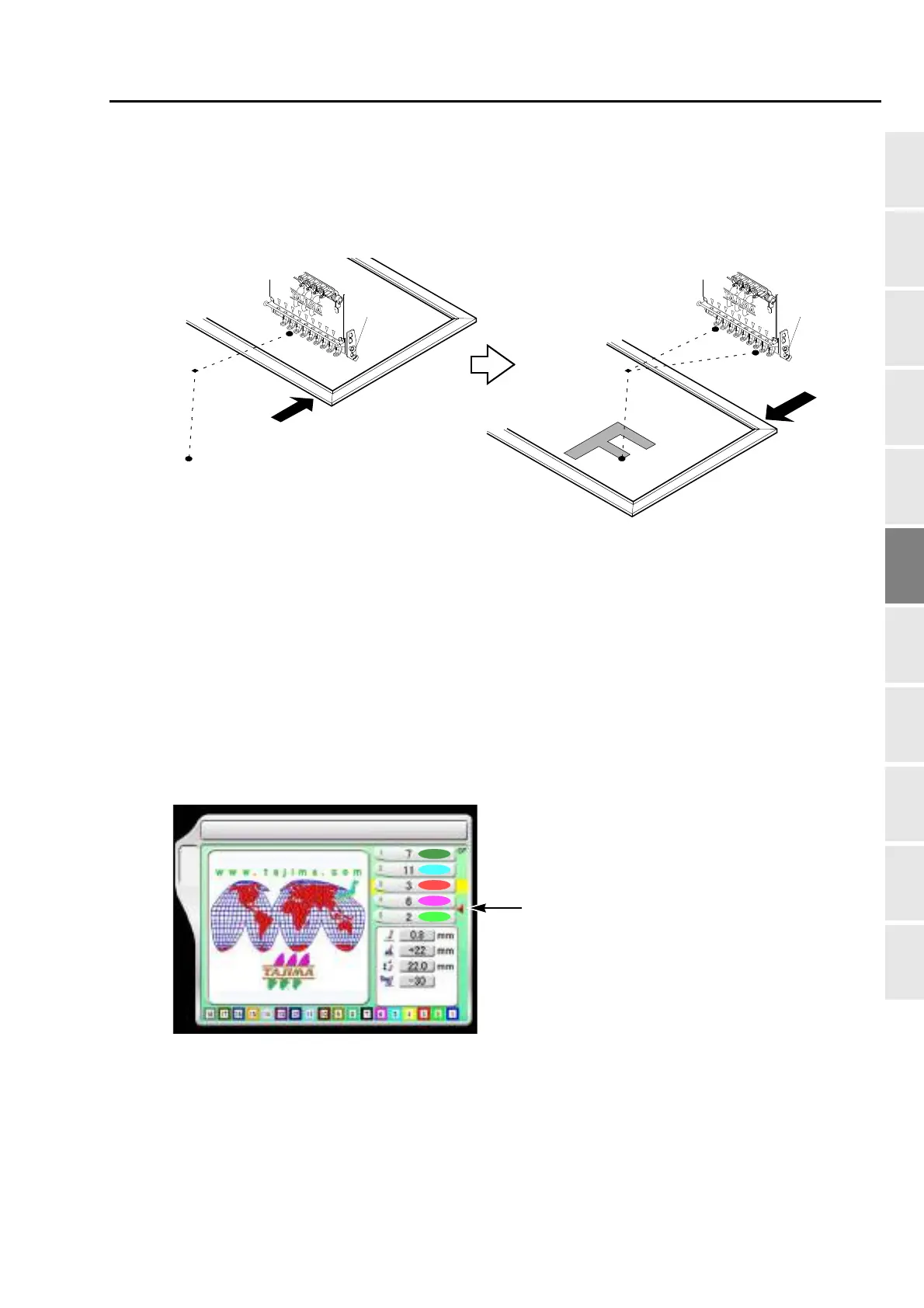
To move the frame to the position registered
175
Chapter 6
1
2
3
4
5
6
7
8
9
10
11
XL08
5-2. To move the frame automatically at the start, in the middle and the end of embroidery
This function is the setting to move the frame automatically so that replacement of the frame, works for
applique and change of fabric to be stretched can be performed easily.
(1) When starting embroidery by operating the start stitch, the frame will move from the offset start position
[A] to the design start position [C] through the offset middle position [B].
(2) During embroidery, the frame will return from the color change point [D] to the offset start position [A]
through the offset middle position [B]. After performing works for applique here, the frame will move to
the color change point [D] through the offset middle position [B], then start embroidery again by switch
operation.
(3) When embroidery is finished, the frame will pass from the design end point [E] through the offset middle
position [B], then move to the offset start position [A].
5-2-1. Explanation on the screen
[A]
[C]
[B]
[B]
Embroidery starts
During embroidery
[E]
[A]
Completion of embroidery
[D]
2 Needle Bar Selection
B
Offset mark
After step 2 is finished, the frame will return to the
offset start position [A] automatically. To move the
frame, the setting of "Automatic offset" is
necessary. (p.173)
If "Automatic Offset" is not set, the frame will move
to the design start position [C].



 To Next Page