Design stored in the machine memory
195
Chapter 7
1
2
3
4
5
6
7
8
9
10
11
RR06
1-7-2. How to operate
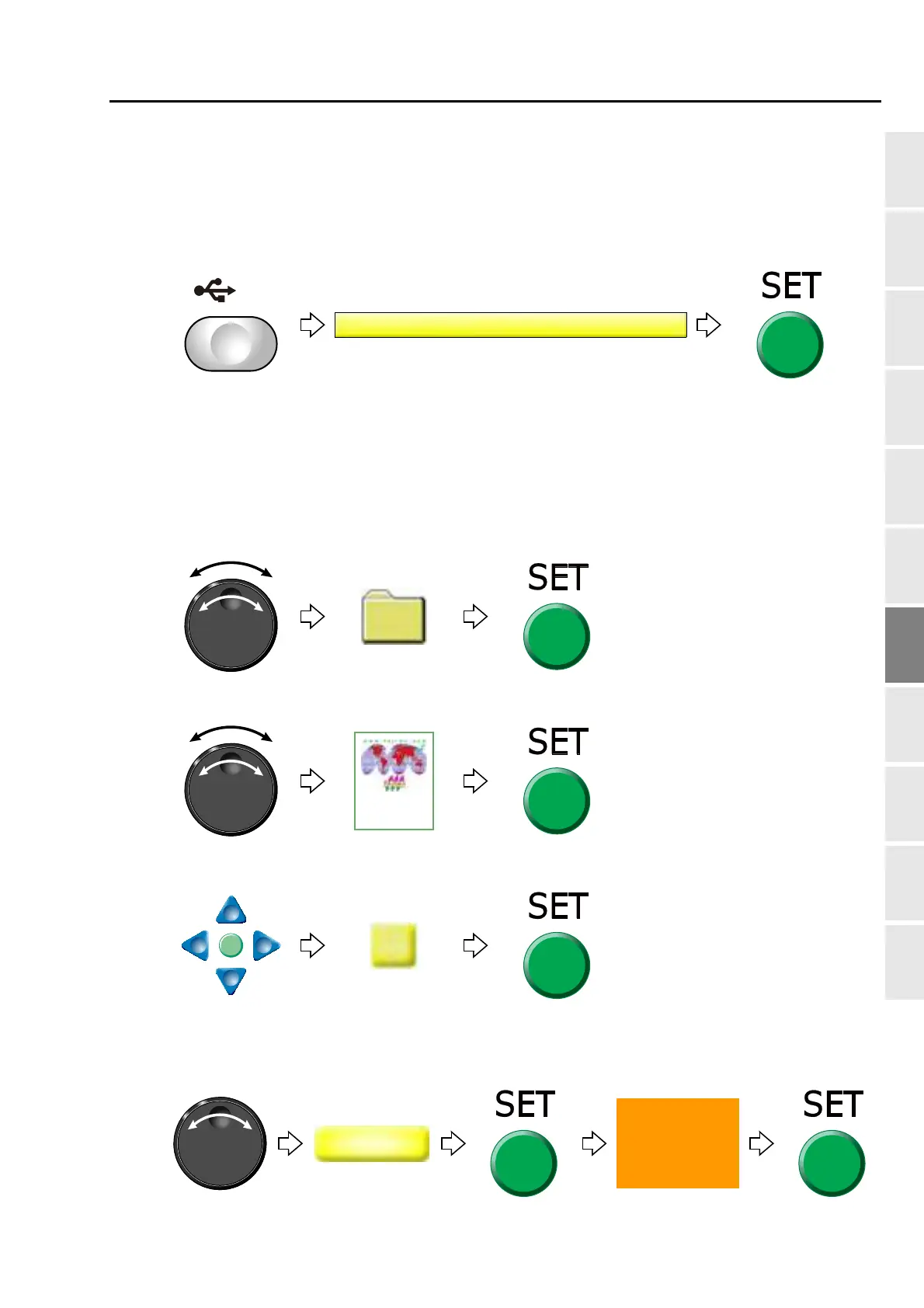
The following is an example of saving designs into the USB memory.
(1) To set USB memory
(2) To open screen
(3) To cancel the password
Regarding canceling method, refer to the detail page. (p.141)
(4) To select a design
The operation differs depending on the storing place of the design.
(a) Design in folder
(b) Design on screen
(c) To select "Enter" and decide
When changing the file name, refer to the detail page. (p.188)
(5) To select saving format to USB memory and decide
The screen will be switched.



 To Next Page