Setting and resetting of password
141
Chapter 5
1
2
3
4
5
6
7
8
9
10
11
(c) To select the remaining password "9", "8" in the same procedure
(d) To decide
(5) To input password again after change
(a) To input password in the same procedure
(b) To decide
10-2. To cancel the password
If the functional limit level is the initial value, following functions need to input the password.
(a) To store a design to a USB memory (USB "Save") (p.194)
(b) To change password (Functional Limit of Password) (p.139)
(c) Not to display some operation (Functional limit level) (p.143)
(d) To decide upper limit value of the maximum speed (Max. Revolution Limit) (p.92)
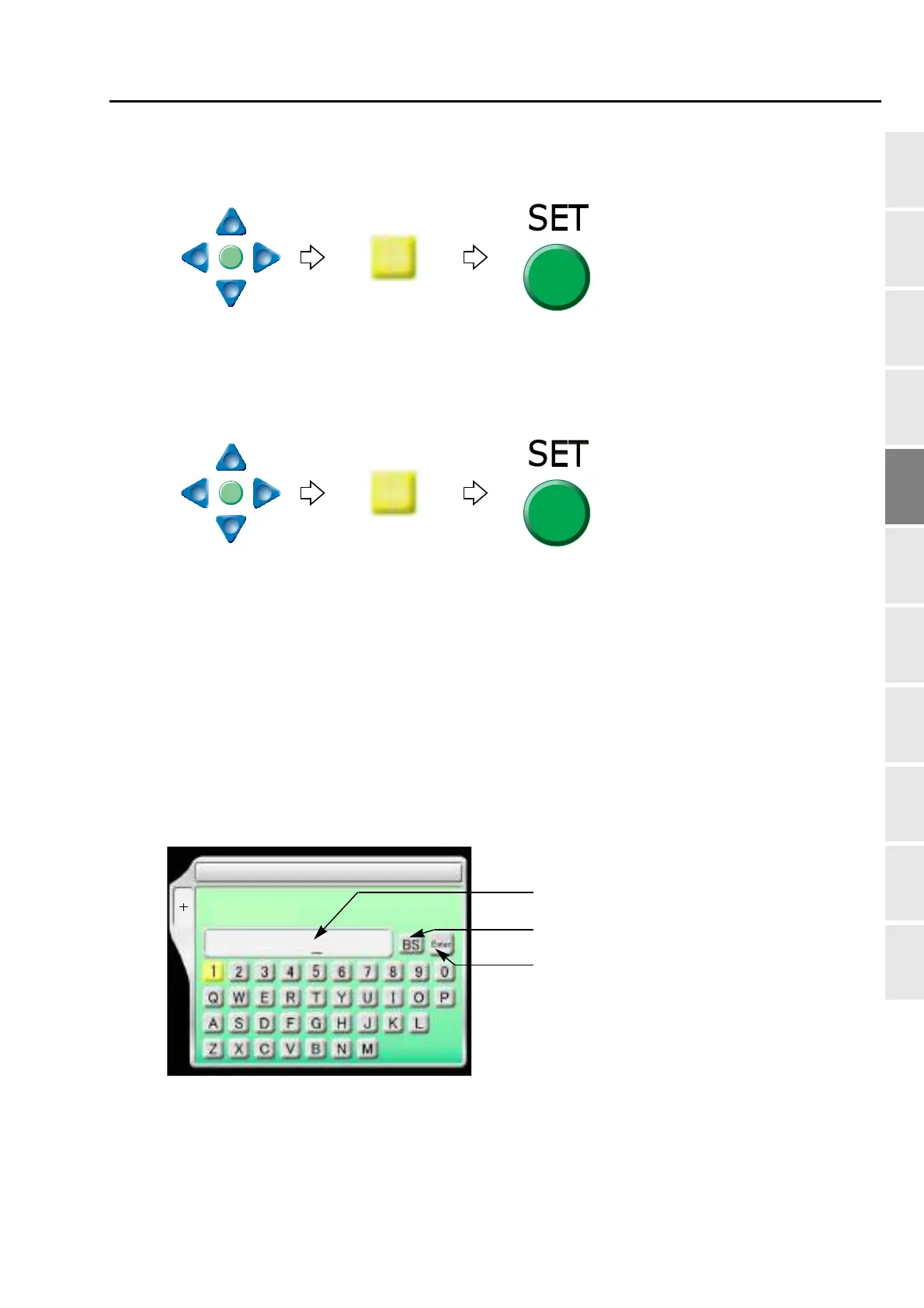
10-2-1. Explanation on the screen
SET
1 Max. Revolution Limit
F2
Password:
To return the cursor or delete the character.
To determine the input character and
Inputting column of password
(4 to 8 characters)
numeric value.
PT10



 To Next Page