To make optional device available for use
207
Chapter 8
1
2
3
4
5
6
7
8
9
10
11
WM03
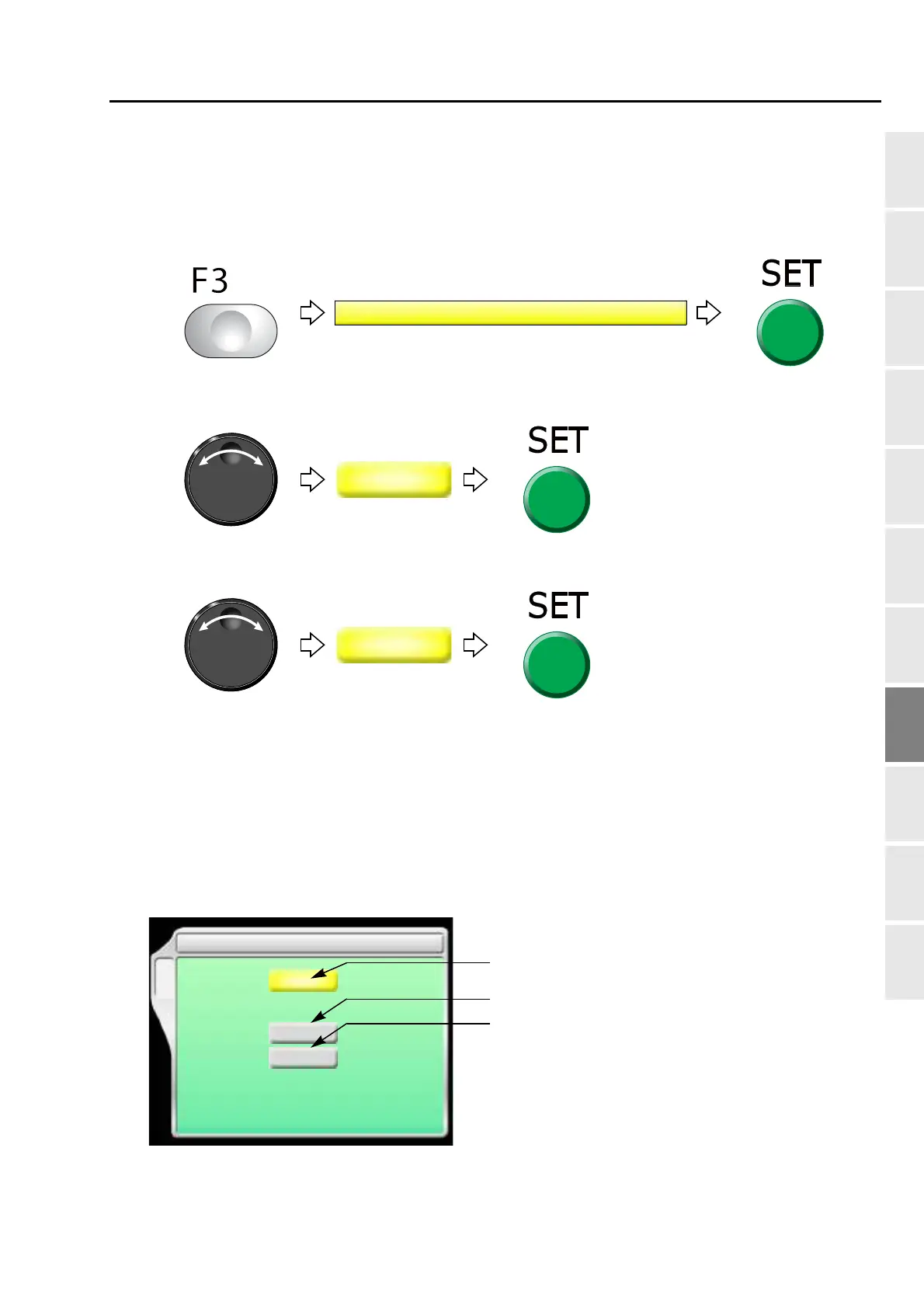
1-4-2. How to operate
The following is an example that the device is equipped to the left side and Jump is set to "To insert" before
feeding out beads.
(1) To open screen
(2) To equip to left side
(3) To insert non-data jump code automatically
Proceed to "To make the air compressor available for use (Air Pressure Sensor).(p.217)
1-5. Multi cording device 2 (TMBR-SC only)
This is the setting for making Multi cording device 2 available for use. For details of the device, refer to the
separate manual "Multi cording device 2"
1-5-1. Explanation on the screen
10 Lochrose embroidery device
YES/NO
8 Multi Cording Device 2
NO
[a]
[b]
[mm]
15
F4
[c]
[mm]
15
Cord cut
waiting position
Cord threading position


 To Next Page