To set details of optional device
215
Chapter 8
1
2
3
4
5
6
7
8
9
10
11
2-1-3. How to operate
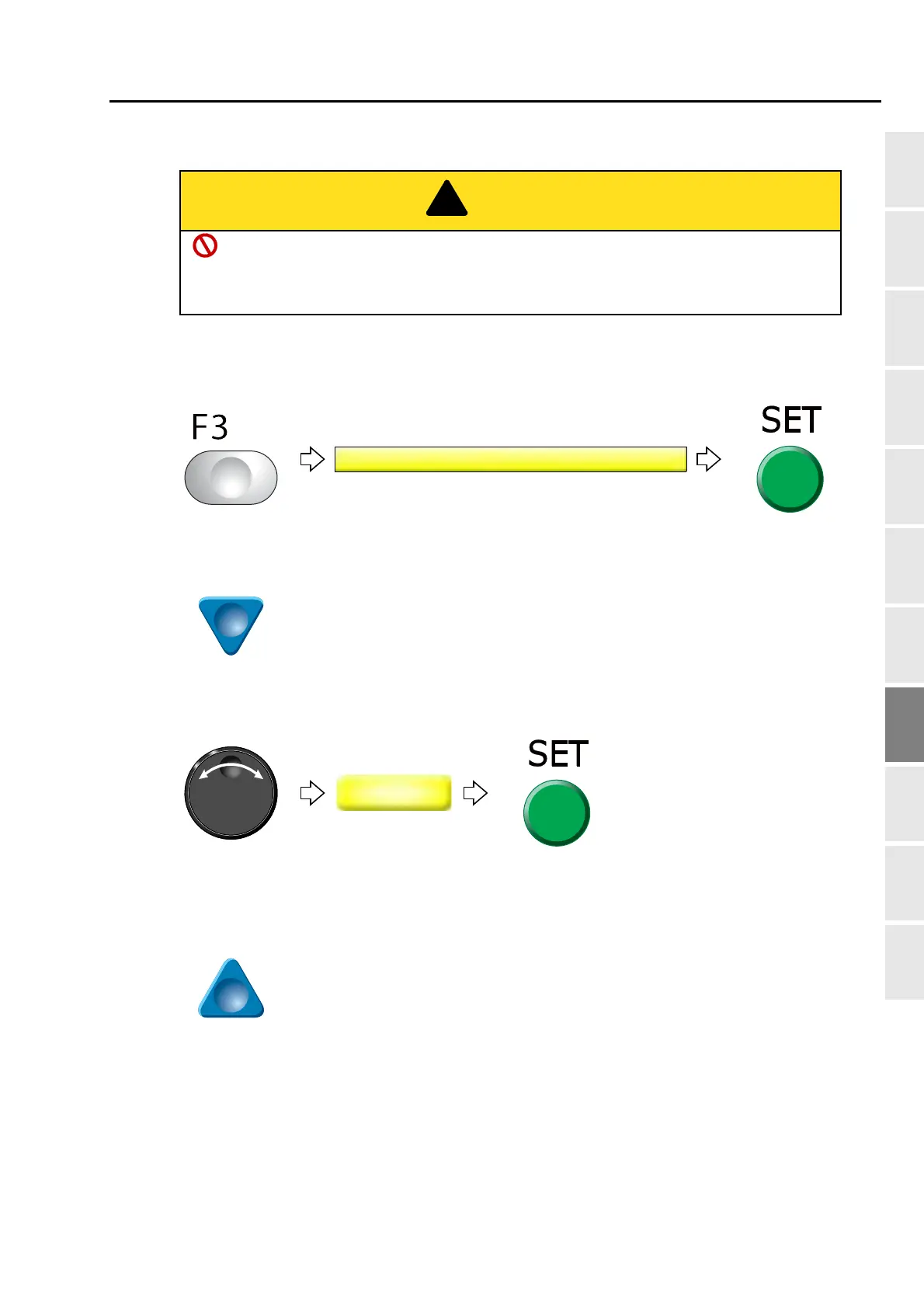
The following is the example of feeding out sequin chips of the right side Sequin device one by one.
(1) To open screen
(2) To move the cursor to "Sequin chip feed"
(3) To select R (Right-side Sequin device)
(4) To feed sequin chips
Pressing the frame travel key (up-arrow key) each time will feed out a sequin chip one by one.
When performing this operation, do not put your hands etc. near the needle or on the
machine table. You could be injured by up/down of the device or moving right and left of
the needle bar case.
Pressing SET will perform color
change to the sequin needle.
TP09



 To Next Page