What to do when the machine stopped
220
Chapter 9
TP09
1. What to do when the machine stopped
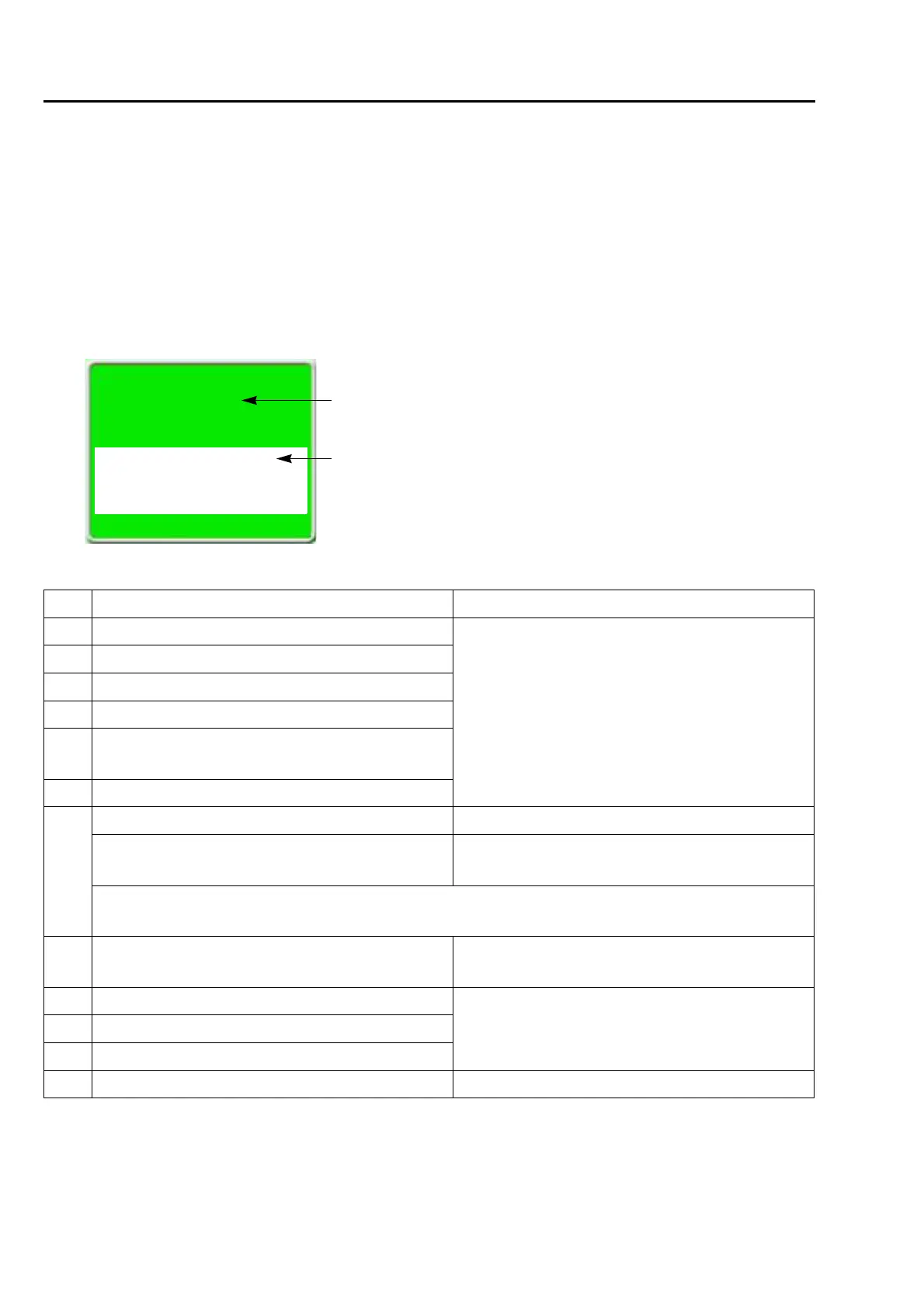
When the machine stops during embroidery, a code No. indicating stop factor will be displayed on the screen
(the illustration below is an example).
Restoring method differs depending on the code Nos. displayed.
1-1. Normal stop
It is displayed in green on the screen. It is not a stop by abnormality of the machine.
The list below also includes code Nos. which are not displayed. (Common to models)
No. Stop factor How to restore
1B1 Stop by frame stepping code
Perform "Start operation" or "Frame Back/Forward
operation", or press any operation key (excluding
manual frame travel key) to continue operation of
the machine.
1B2 Stop by color change code
1B3 Stop by end code
1B4 Stop by thread trimming code
1B6
Stop by automatic color change (free setting) offset
code
1N8 Stop by temporary stop code
1C1
Stop by stop switch during frame stepping Start the machine.
Stop by stop switch during trace
To start the operation again, press SET key. To
reset the setting, press E key.
Do not turn OFF the power during display of 1C1. It may not possible to continue embroidery if the power
is turned OFF.
1D1
Stop at all-head stitching start point after Frame
Back
Start the machine and continue embroidery.
1D2 Stop by preset halt (except oil, lochrose)
Press the E key.1D5 Stop by Preset halt (run out of beads)
1D8 Stop by Preset halt (ATH cleaning)
OIL Preset Halt (Oil) Lubricate to the necessary spots, and press E key.
[1D2]
"Reset" >>E
Preset Halt
Stop by Preset Halt setting.
Code No.
Stop factor


 To Next Page
 Loading...
