What to do when the machine stopped
223
Chapter 9
1
2
3
4
5
6
7
8
9
10
11
UO04
1-3. Stop due to malfunction
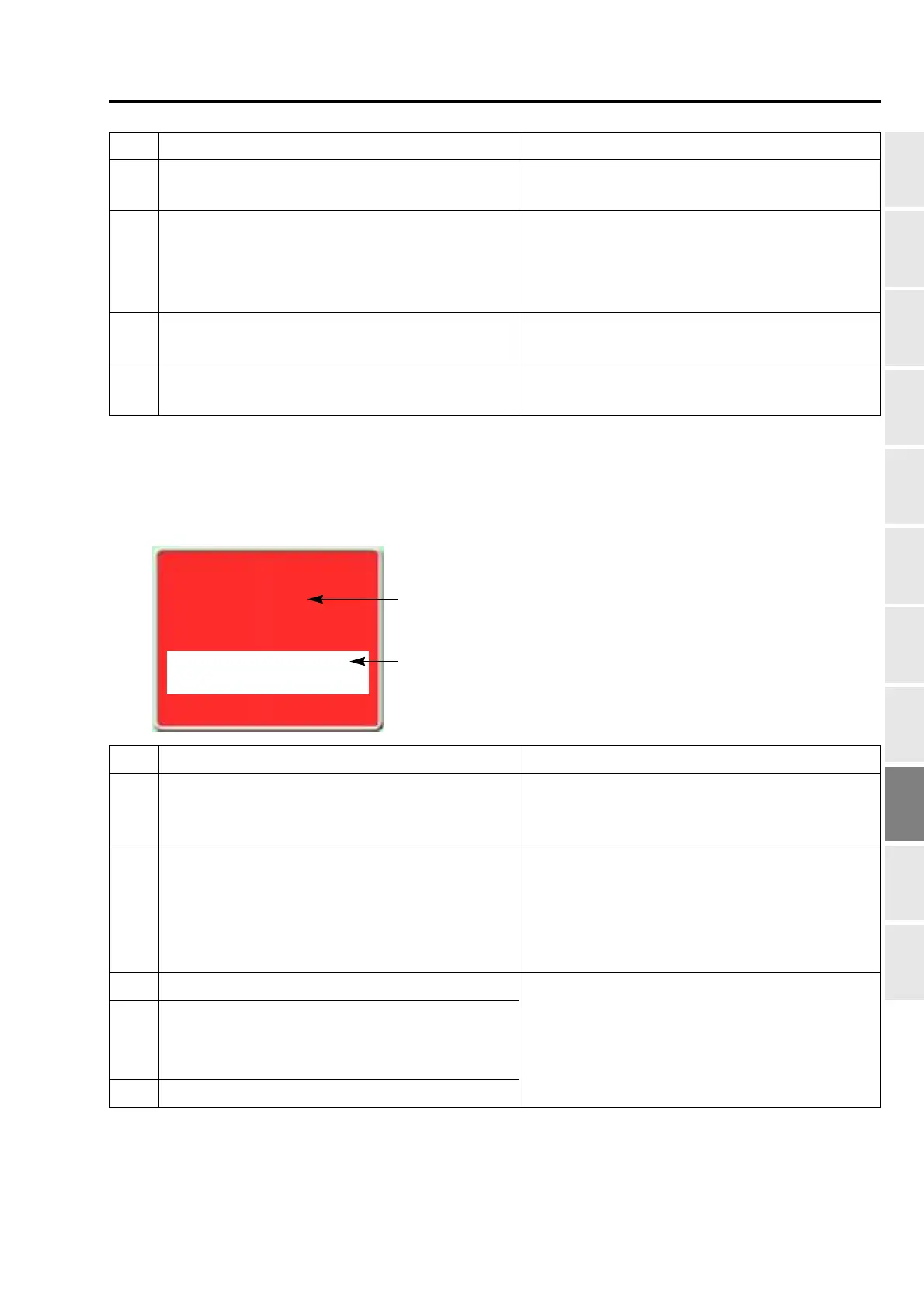
It is displayed in red on the screen. It is caused by card, harnesses or communication error. If the below code
numbers are displayed, consult the distributor.
5B2 Network does not work normally.
Check connecting status of cable, setting status of
device such as personal computer.
5C1
Data set was performed without Frame Origin
Memory after installation of software.
The machine was stopped during operation of
Frame Origin Memory.
Perform Frame Origin Memory.
5C2
Machine was started during moving up/down of
Sequin device.
Start the machine after up/down operation of sequin
device is completed.
5V6 General external device is operating.
Operate the machine after general external device
is stopped.
No. Stop factor How to restore
311
Encoder A signal status does not change for 5
seconds. Motor or motor belt failure.
Check the connection of encoder signal wire. Check
the excitation of the main shaft driver. Check the
motor or the motor belt.
312
Fixed position signal (Main shaft Z signal) does not
change during operation.
Press the E key.
Check the connection of the main shaft motor or the
photo-interrupter card. If it is not possible to recover
from the trouble, replace the main shaft motor or the
photo-interrupter card.
316 Main shaft motor error or main shaft driver error
Turn "OFF/ON" the power, or switch from sleep
mode to normal mode. (Each driver setting will be
reset.) When it is not possible to recover from the
trouble, replace the card.
322-
Abnormality of X-axis driver
Description of mark differs depending on factor.
The same is applied to No.323.
323- Abnormality of Y-axis driver
No. Stop factor How to restore
Main shaft motor error
Main shaft motor or Motor driver is irregular.
[316]
"Reset" >>E
Code No.
Stop factor


 To Next Page
 Loading...
