How to use each part
16
Chapter 2
TP11
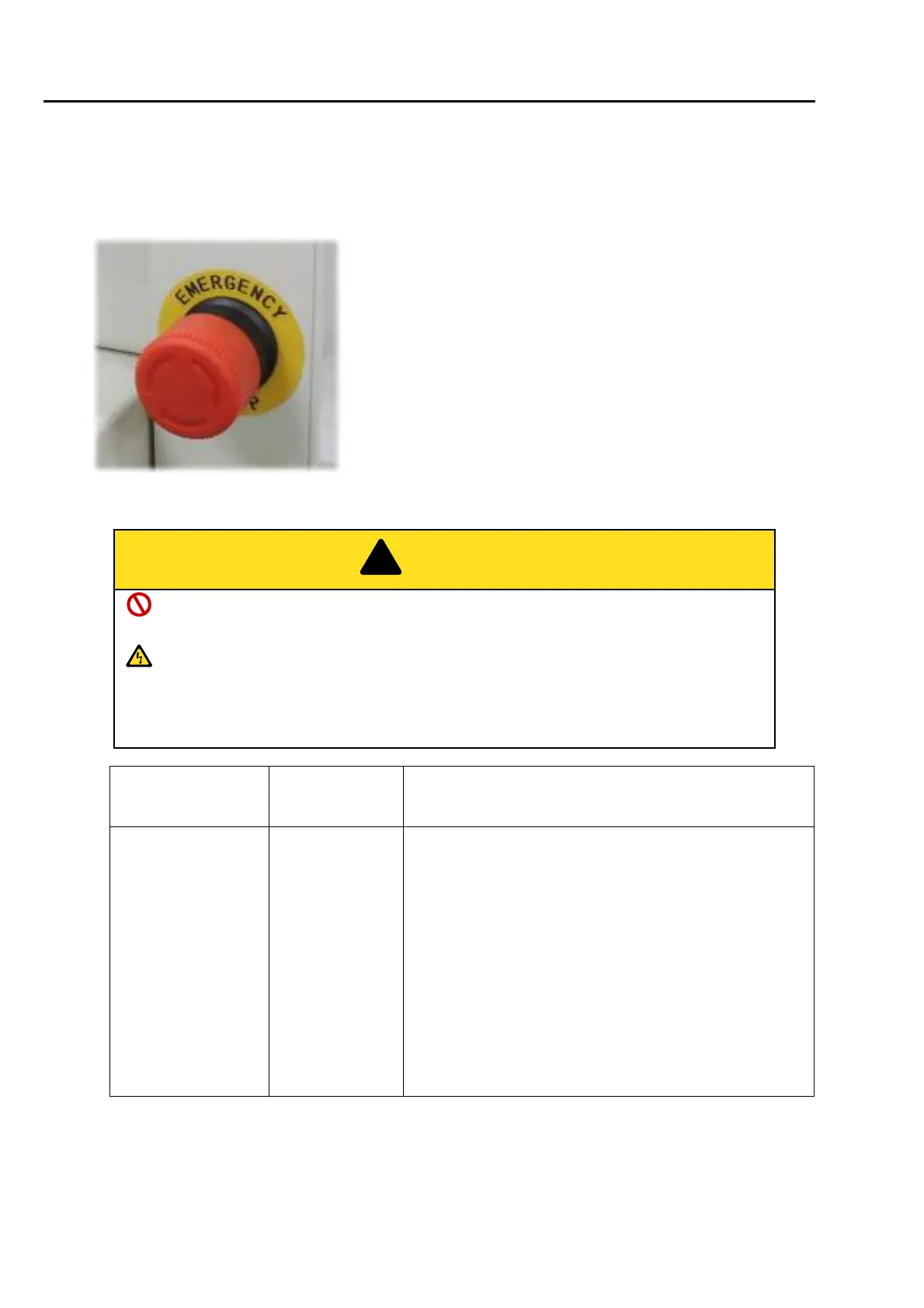
2-2. Emergency stop switch
The emergency stop switch is equipped as a measure for safety. Pressing this switch will lock the switch and
stop the machine.
[Process after pressing emergency stop switch to lock release]
Wait for five seconds or more while the power is turned OFF and it is turned ON next.
Otherwise, the software may not start up normally.
In case of excluding EN-spec. and Japanese domestic use, the machine will be turned
ON and be in the state of standby after releasing lock. When performing the maintenance
work in this state, pull out the power cord from the inlet. High voltage electric current flows
in P.C. board inside the machine, so it could cause electric shock.
Specification of the
machine
Condition after
stop
How to cancel after pressing emergency stop switch
EN-spec.
(European safety
spec.)
Power switch
OFF (Also main
power OFF)
1. The switch will be locked, and the machine will stop
due to the power shut OFF. The power switch will be
turned OFF.
2. Wait for five seconds or more, and turn the switch
clockwise. (Lock release)
3. Set the power switch to "ON". The main power will be
turned ON.
4. The screen of "Power Resume" may appear
depending on the machine condition. Therefore,
execute according to the screen display.



 To Next Page