How to use each part
15
Chapter 2
1
2
3
4
5
6
7
8
9
10
11
SQ06
2-1-2. USB memory
Prepare a commercial item. USB memory is used for the following cases.
・When registering the design (saved in the USB memory) into the machine memory
・When saving the design (saved in the machine memory) into the USB memory
・When installing the software in the machine
Some type and/or capacity of the USB memory could not be used for this machine. In this case, buy the
USB memory recommended by Tajima. For details, consult the distributor.
For using the USB memory, observe the items to notice described below.
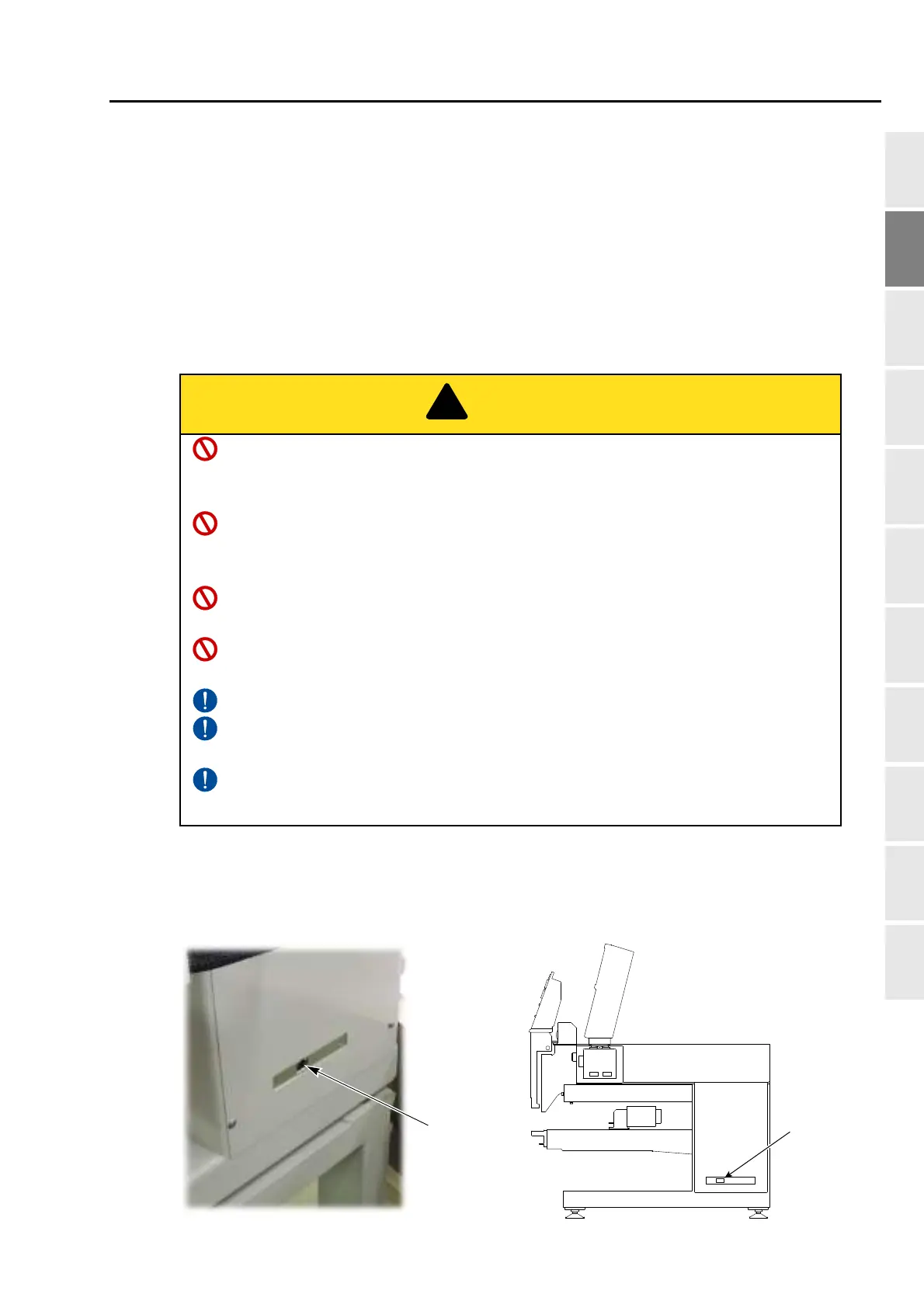
2-1-3. LAN port
The LAN port is at the side face of the right-side of the machine.
Use the LAN port when connecting the LAN cables.
Do not turn ON the machine power in the state that the USB memory is connected to the
operation panel except when installing the software in the machine. The system
sometimes may not start up.
Do not insert in or pull out the USB memory during operation (when the main shaft motor
and the frame are moving, or in the middle of color change etc.). Inside circuit board could
be damaged.
When you insert the USB memory, do not mistake the direction of connector. The USB
memory and its inside circuit board could be damaged.
Do not insert the USB memory in the state that dirt and dust are attached to the inside of
the connector.
Insert the USB memory slowly and gently.
Insert the USB memory upright against the port (insertion slot). Oblique insertion could
damage to inside circuit board due to interference of connector with the circuit board.
Wait for five or more seconds after inserting or taking out the USB memory, and then start
the operation. It may take about one minute at a maximum to recognize data.


 To Next Page
 Loading...
