Registration of a design into the machine memory
37
Chapter 4
1
2
3
4
5
6
7
8
9
10
11
SQ06
3-1-2. How to operate
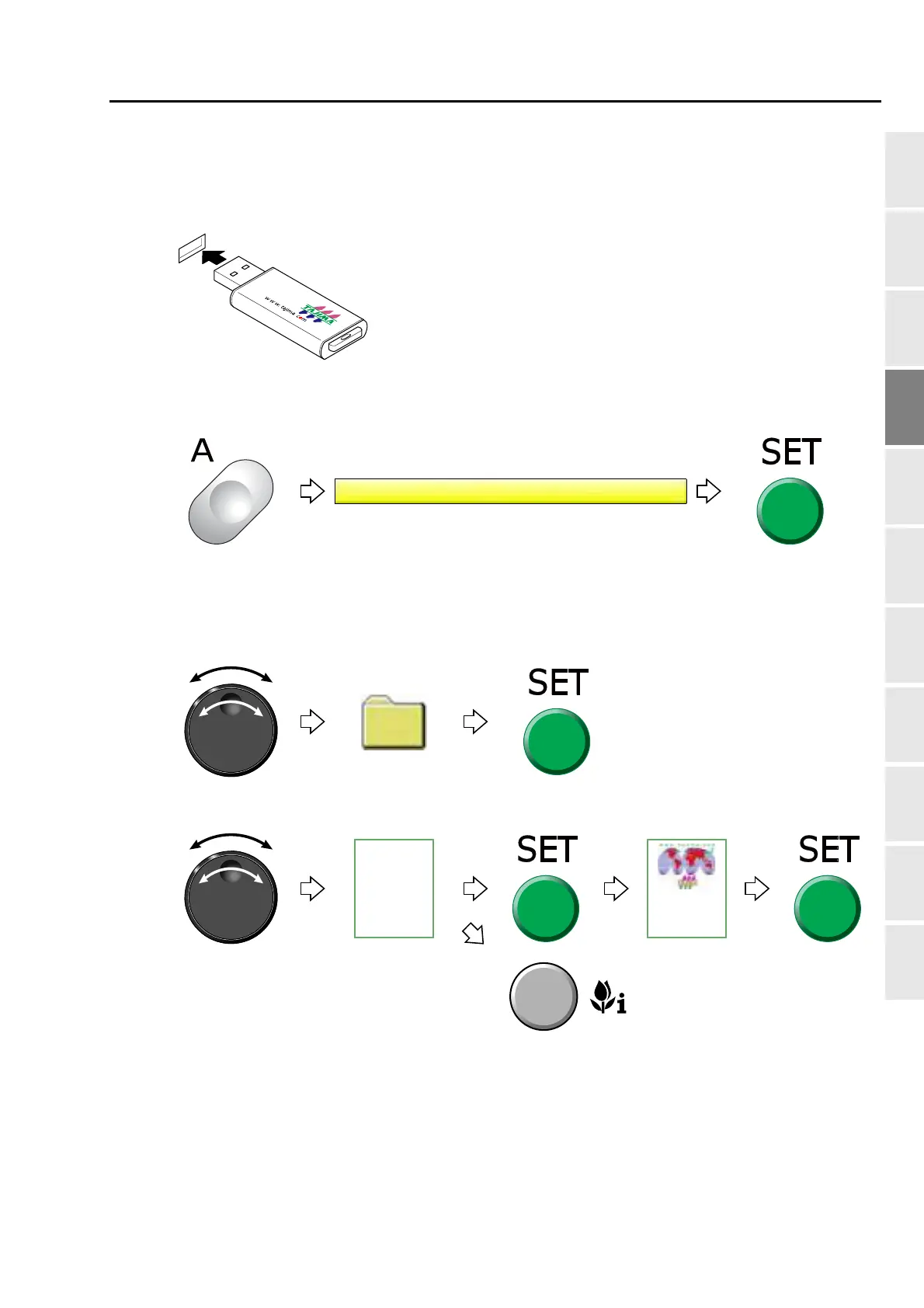
The following is an example of registering a design saved in the USB memory into the machine memory.
(1) To set USB memory
(2) To open screen
(3) To select a design
The operation differs depending on the storing place of the design.
(a) Design in folder
(b) Design on screen
Pressing SET will display the second
folder or the design. To return to the
folder on the original screen, press E
key.
Pressing i key will display the
design confirmation screen. (p.25)
To return to the original screen,
press E key.
Multi-head
Automatic
Emboridery
Machines



 To Next Page