Decision of an embroidery design and the color change sequence
48
Chapter 4
UO04
4-1-2. How to operate
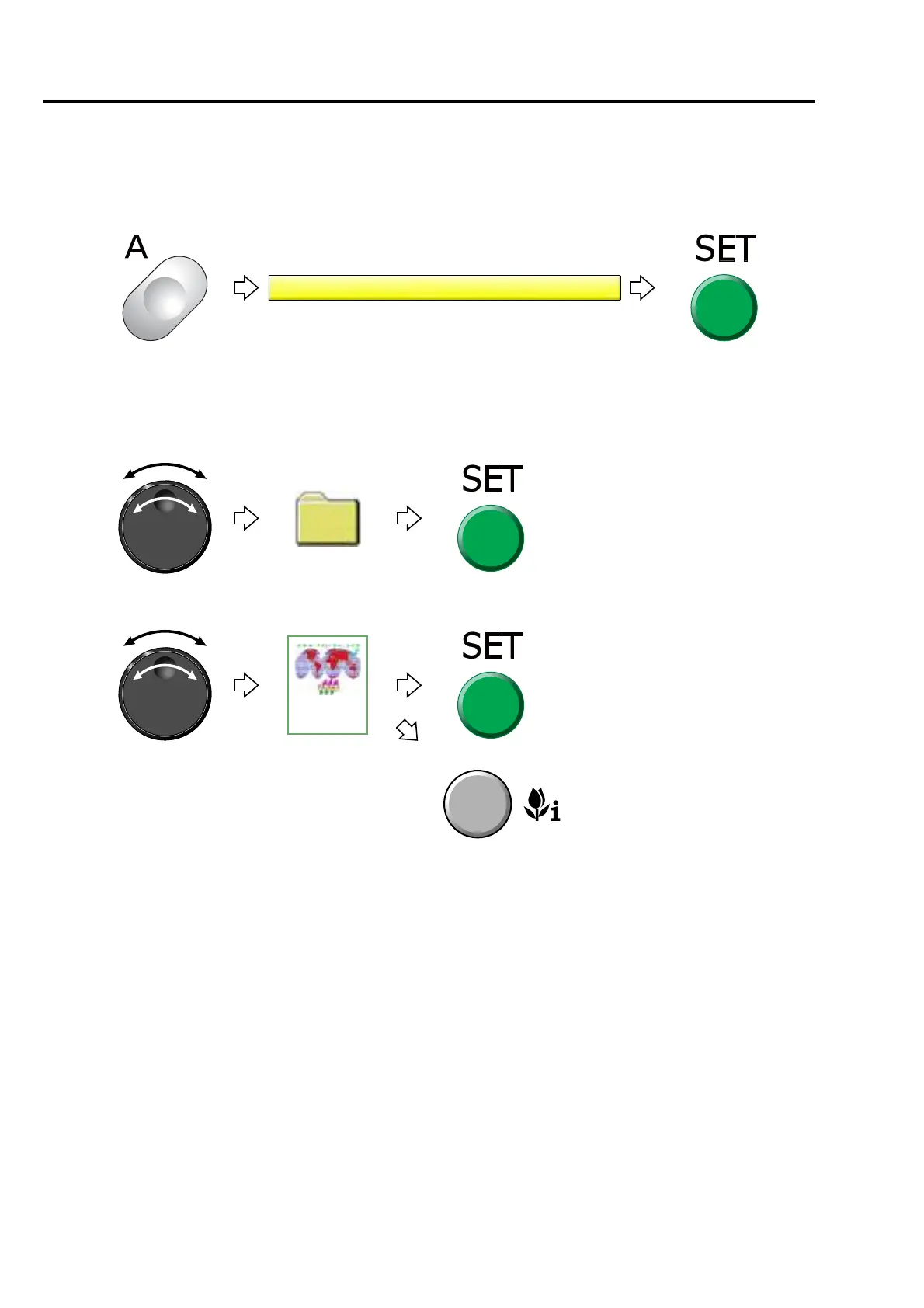
This is an example of selecting the design in the memory of the machine and enabling to embroider.
(1) To open screen
(2) To select a design
The operation differs depending on the storing place of the design.
(a) Design in folder
(b) Design on screen
Pressing SET will display the design in
the folder. To return to the original
screen, press E key.
Pressing i key will display the
design confirmation screen. (p.25)
To return to the original screen,
press E key.



 To Next Page