Check items before embroidering
64
Chapter 4
XL08
[b] The distance from the presser foot lower dead point to the presser foot at the time of frame back
Setting range: +5 to +22 (mm)
When "N" is displayed, FB lower dead point differs per needle bar. When "N" is changed to a
numerical value, all the needl bars become the same value.
[c] Stroke mode of presser foot
Setting range: A, 2.0 to 22.0 (mm)
A:
2.0 to 22.0 (mm):
When "N" is displayed, the stroke method differs per needle bar. When "N" is changed to a
numerical value, all the needle bar become the same value.
[d] Timing when presser foot moves down
Setting range: -20 to +20
When "N" is displayed, the timing differs per needle bar. When "N" is changed to a numerical
value, all the needle bar become the same value.
6-2-2. How to operate
The following is an example of setting Presser foot lower dead point to 1.0 (mm) and FB lower dead point to
10.0 (mm).
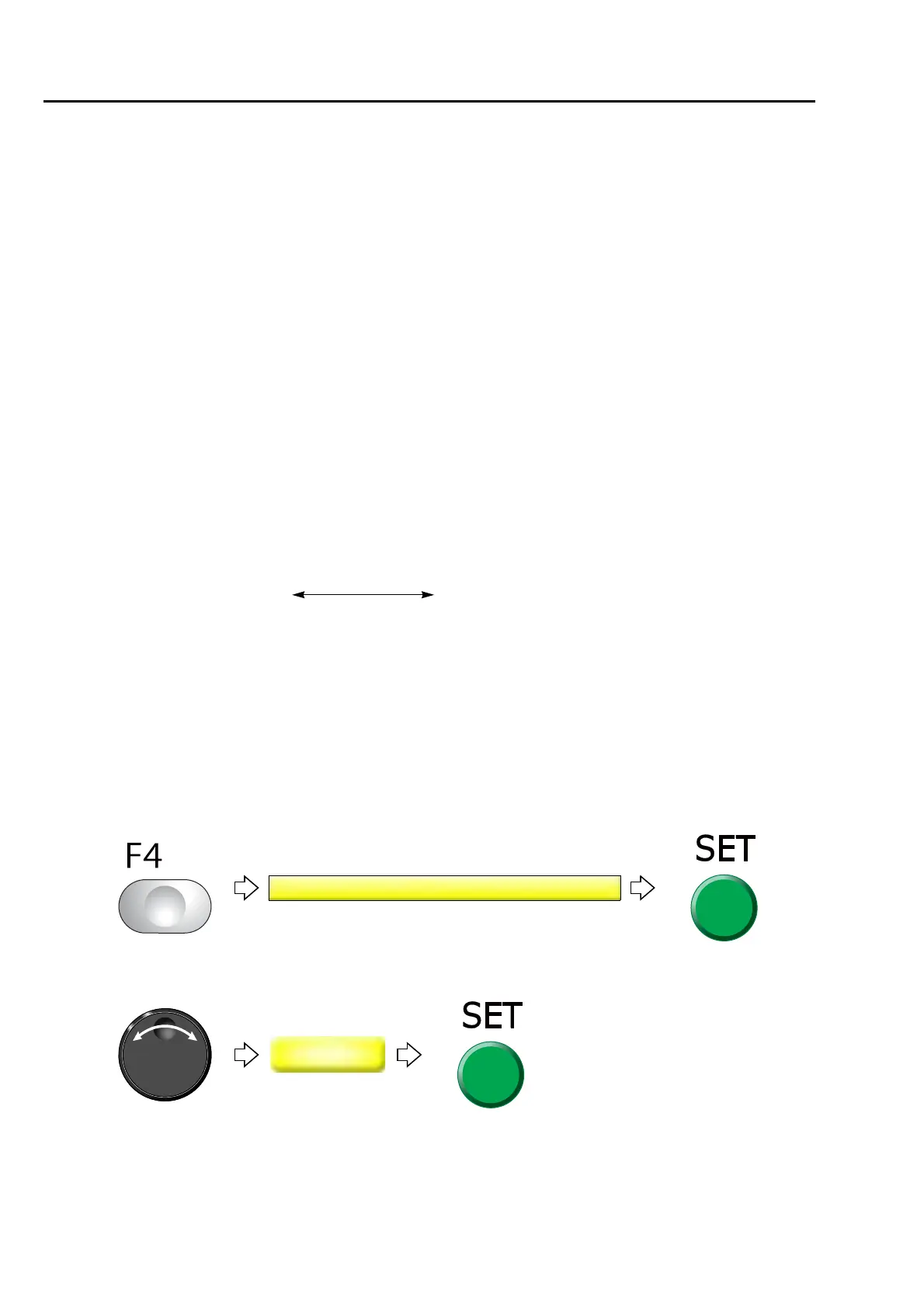
(1) To open screen
(2) To select presser foot lower dead point
According to maximum speed of the machine, the presser foot will perform Stroke
automatically (usual setting).
Stroke amount of presser foot
The maximum speed of the machine is limited depending on stroke
amount. (The stroke amount is always fixed.)



 To Next Page