English – 10 | MP-288
Basic Operation
Function Operation
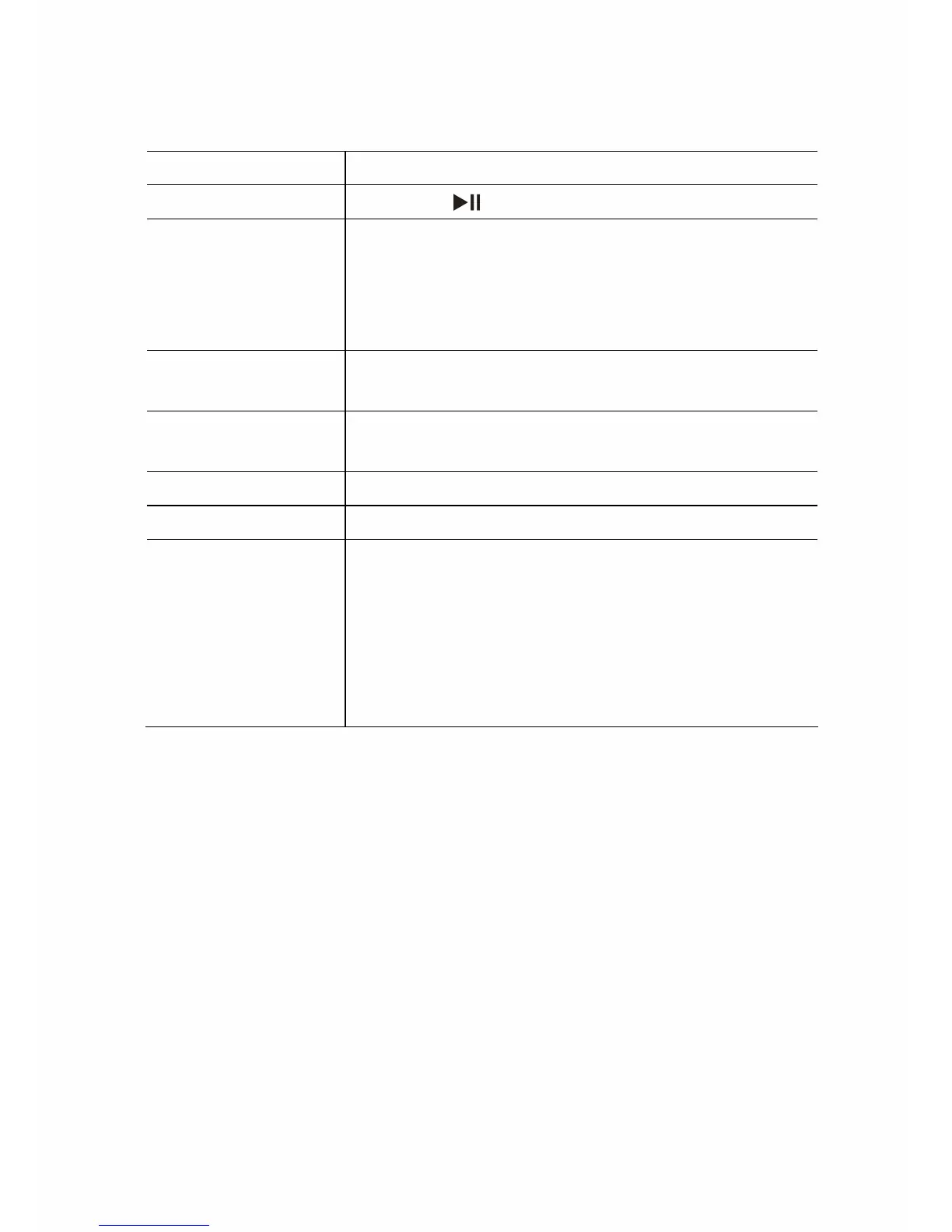
Play/Pause Press the button to play or pause.
Adjust Volume
1. Press and hold the VOL button to see a
volume icon lighting up in green on the
top tool bar.
2. Press the
/ button to decrease or in-
crease volume.
Move to the
previous file
Shortly press the button.
Move to the next
file
Shortly press the button.
Fast Forward Press and hold the button.
Rewind Press and hold the button.
A-B Repeat To repeat a specified section of a track,
1. During playing, shortly press the VOL
button to select the start point (A-).
2. Shortly press the VOL button again to
select the end point (A-B).
To stop A-B repeat, shortly press the VOL
button.


 To Next Page