English – 19 | MP-288
6. Clicking on "MTV Preview" followed by "Start Preview" you can
see the result of the conversion on the screen.
7. The conversion is started by clicking on "Start Conversion" ("MTV
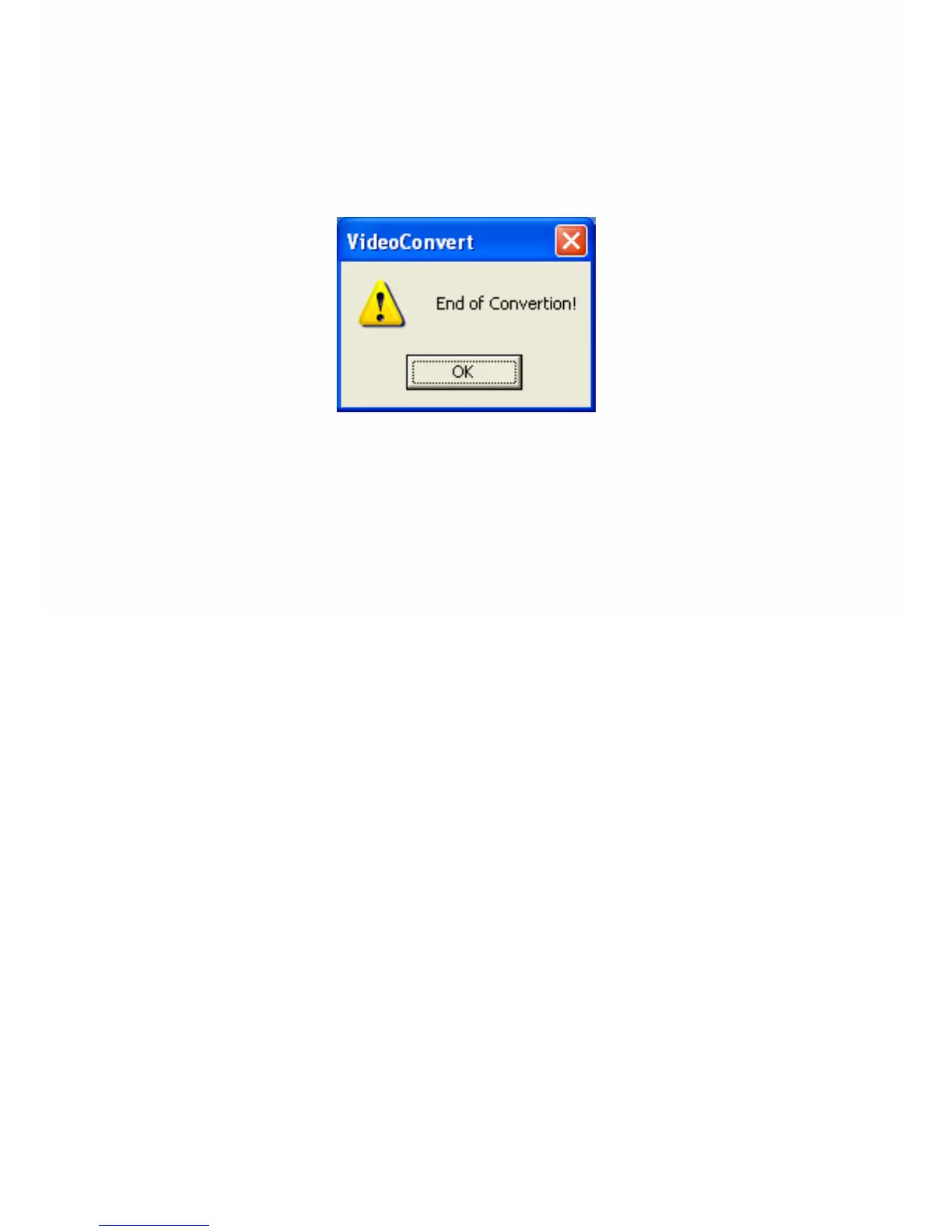
Preview" has to be reset). If this window
8. appears the conversion is ready. Now you can copy the
converted file(s) to the player.


 To Next Page