EasyManua.ls Logo

TallyGenicom 6605 - User Manual

TallyGenicom 6605
212 pages
Print Icon
To Next Page IconTo Next Page
Loading...
TallyGenicom
®
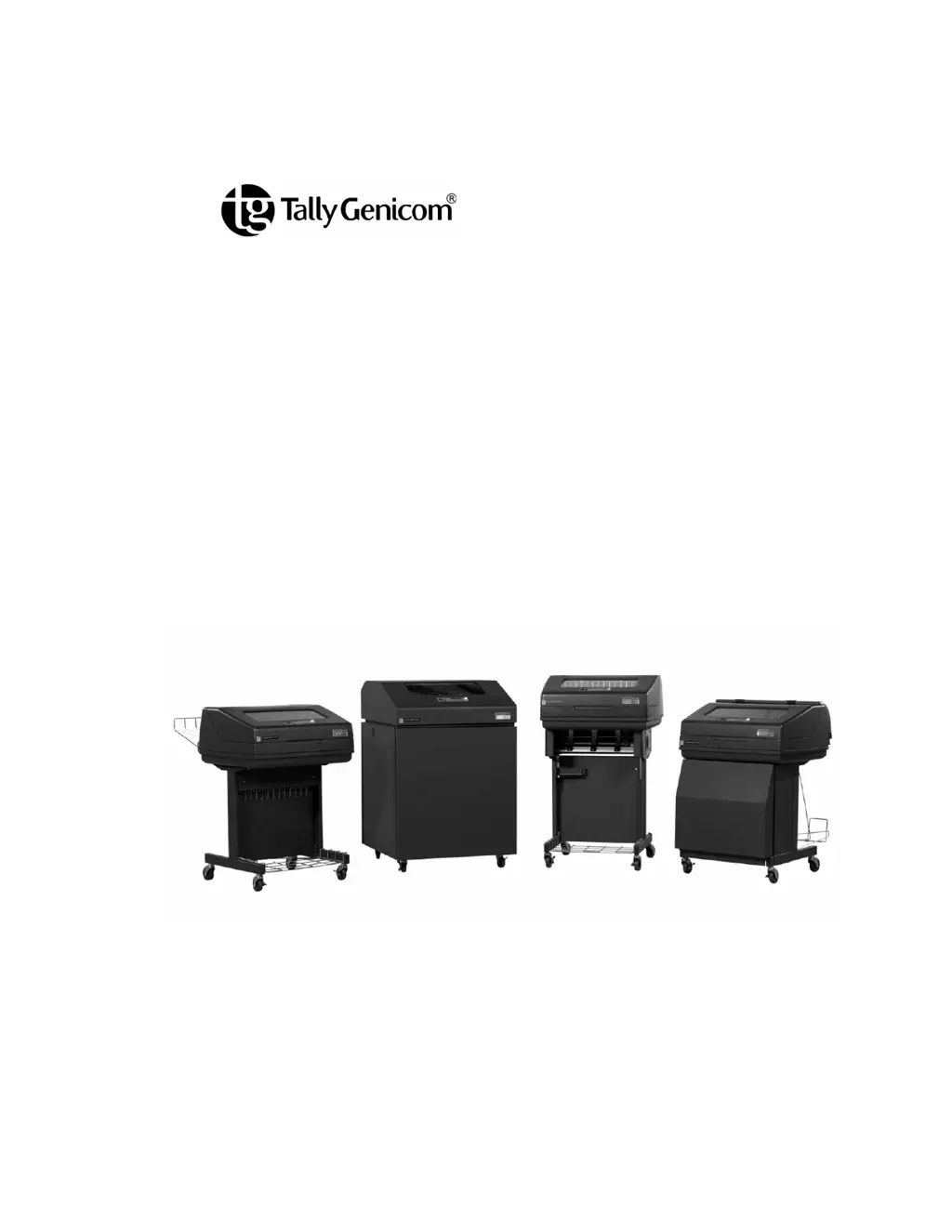
6600 Series Printers
Users Manual

Table of Contents

Questions and Answers

Summary

Setting Up The Printer

Operating The Printer

The Control Panel

Details the function and appearance of the printer's control panel keys and display.

Reload Paper

Provides step-by-step instructions for loading new paper into the printer.

Changing Ribbon Cartridge

Provides instructions on how to replace the printer's ribbon cartridge.

Configuration Menus

Changing Parameter Settings

Explains how to modify printer settings via the control panel or host commands.

Interfaces

Reprogramming the Security Key

How To Program The Security Key

Provides step-by-step instructions for programming the security key.

Troubleshooting

Interior Cleaning

Details the steps for cleaning the internal components of the printer.

Diagnosing Problems

Offers guidance on identifying and resolving common printer issues.

Fault Messages

Lists and explains potential fault messages displayed by the printer.

Printer Specifications

Zero Tear Printer

Load Paper

Provides step-by-step instructions for loading paper into the Zero Tear printer.

Set The Tear Bar Distance

Explains how to adjust the tear bar distance for accurate form separation.

Set The Top Of Form

Details the procedure for setting the top-of-form position for the Zero Tear printer.

SureStak Power Stacker

Setting Up The Power Stacker

Provides instructions for the initial setup of the power stacker.

PTX_SETUP Option

Customer Support

TallyGenicom 6605 Specifications

General IconGeneral
Print MethodImpact Dot Matrix
Print TechnologyImpact Dot Matrix
Print SpeedUp to 1000 LPM
Print Width13.6 inches
ConnectivityParallel, Serial
EmulationsEpson
Paper Width3 to 16 inches (76 to 406 mm)

Related product manuals