EasyManua.ls Logo

TallyGenicom 6615Q - User Manual

TallyGenicom 6615Q
212 pages
Print Icon
To Next Page IconTo Next Page
Loading...
TallyGenicom
®
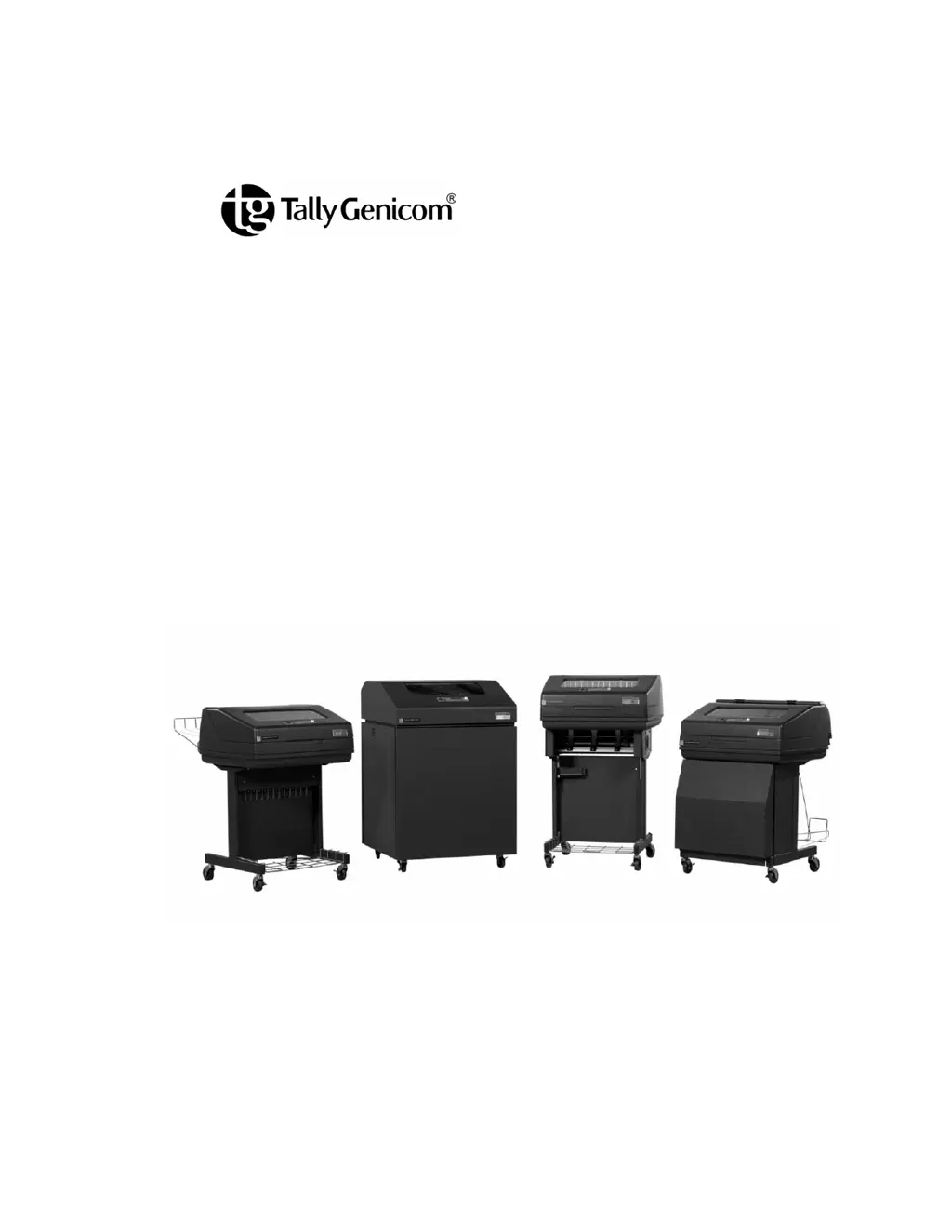
6600 Series Printers
Users Manual

Table of Contents

Questions and Answers

Summary

1 Introduction

Printer Overview

Provides a general overview of the printer and manual conventions.

4 Configuration Menus

Changing Parameter Settings

How to modify printer settings via control panel or host commands.

5 Interfaces

6 Reprogramming the Security Key

Reprogramming The Security Key

Process for reprogramming the security key using an SPX module.

How To Program The Security Key

Step-by-step instructions for programming the security key.

7 Troubleshooting

Cleaning Requirements

Guidelines for cleaning the printer's exterior and interior components.

Exterior Cleaning

Instructions for cleaning the printer's external cabinet with mild detergent.

2 Setting Up The Printer

Before You Begin

Important preparation steps before installing and operating the printer.

Power Requirements

Details electrical power specifications and circuit protection needs.

Select A Site

Requirements for choosing an optimal location for the printer.

3 Operating The Printer

Powering On The Printer

Steps for powering on the printer and its initial self-test sequence.

Operating Modes

Explains the different operating modes: Online, Offline, and Fault.

The Control Panel

Control Panel Keys

Describes the function and operation of each key on the printer's control panel.

Cancel A Print Job

Cancel A Print Job

Procedure for canceling an active print job on the printer.

3 Operational Procedures

Reload Paper

Step-by-step guide for reloading paper into the printer.

Unload Paper

Instructions for safely removing paper from the printer.

3 Integrated Print Management System

Integrated Print Management System

Feature for monitoring and communicating ribbon life status to the operator.

Changing Ribbon Cartridge

Changing Ribbon Cartridge

Procedure for replacing the printer's ribbon cartridge.

6600 CRP Main Menu

4 Operator Menu

Font Submenu

Parameters controlling print appearance and display language.

Forms Submenu

Forms Submenu

Settings for form specifics like length, margins, and line spacing.

4 Config Menu

Config Menu

Entry point for various printer configuration submenus.

Printer Submenu

Settings related to printer emulation, powerup, and reporting.

Printer Submenu

Ser;Par Emul

Defines printer control commands for serial and parallel ports.

Host Interface Submenu

Auto Switching

Allows the printer to handle multiple data streams sequentially.

Test Menu

Test Menu

Access to printer tests, system memory, and print statistics.

Pattern Submenu

Pattern Submenu

Contains predefined printer self-tests using specific patterns.

Printer Tests

Tests used to check print quality and printer operation.

Fault Override Submenu

Fault Override Submenu

Deals with configuration of fault information from the printer engine.

6600 CRP Clear Menu

6600 CRP Clear Menu

Options for clearing printer buffers, configurations, or resetting the unit.

Interior Cleaning

Interior Cleaning

Procedure for cleaning internal printer components to maintain print quality.

Diagnosing Problems

Diagnosing Problems

Section for fixing issues that may arise during normal printer operation.

Bar Code Verification

Importance of bar code quality and verification procedures.

Fault Messages

Fault Messages

Summarizes fault messages and categorizes them into operator correctable or field service required.

Fault Messages Requiring Field Service Attention

Procedures for faults that may require a service representative.

C Zero Tear Printer

Overview

Introduces the Zero Tear printer's capability to print and tear forms without losing data.

Operation

Position The Paper Input And Adjust The Paper Guides

Steps to correctly position paper input and adjust the paper guides.

Load Paper

Load Paper

Detailed procedure for loading paper onto the printer's tractors.

Position The Paper Out Sensor

Position The Paper Out Sensor

Instructions for correctly positioning the paper out sensor for optimal performance.

Set The Tear Bar Distance

Set The Tear Bar Distance

Procedure to adjust the tear bar distance for proper form tear-off.

Set The Top Of Form

Set The Top Of Form

Steps to set the top-of-form position using the tear bar as reference.

ZTP Menu

ZTP Menu

Enables ZTP features, sets tear bar distance, and auto present times.

Paper Jams

Paper Jams

Guidelines and procedures to help reduce and clear printer paper jams.

D SureStak Power Stacker

Stacker Operation

Describes how the power stacker directs paper to the paper stack.

Stacker Operation

Setting Up The Power Stacker

Steps to set up and prepare the power stacker for operation.

Loading And Starting The Power Stacker

Loading And Starting The Power Stacker

Procedure for loading paper and initiating the power stacker.

E PTX_SETUP Option

The PTX_SETUP Commands

Explains PTX_SETUP commands for easy printer operation without the panel.

The PTX_SETUP Commands

Commands

General description of how PTX_SETUP commands are formed and recommended usage.

F Customer Support

TallyGenicom Customer Support Center

Provides contact details and required information for calling customer support.

Software License Agreement

Software License Agreement

Outlines the terms and conditions for using the printer's software.

TallyGenicom 6615Q Specifications

General IconGeneral
BrandTallyGenicom
Model6615Q
CategoryPrinter
LanguageEnglish

Related product manuals