7
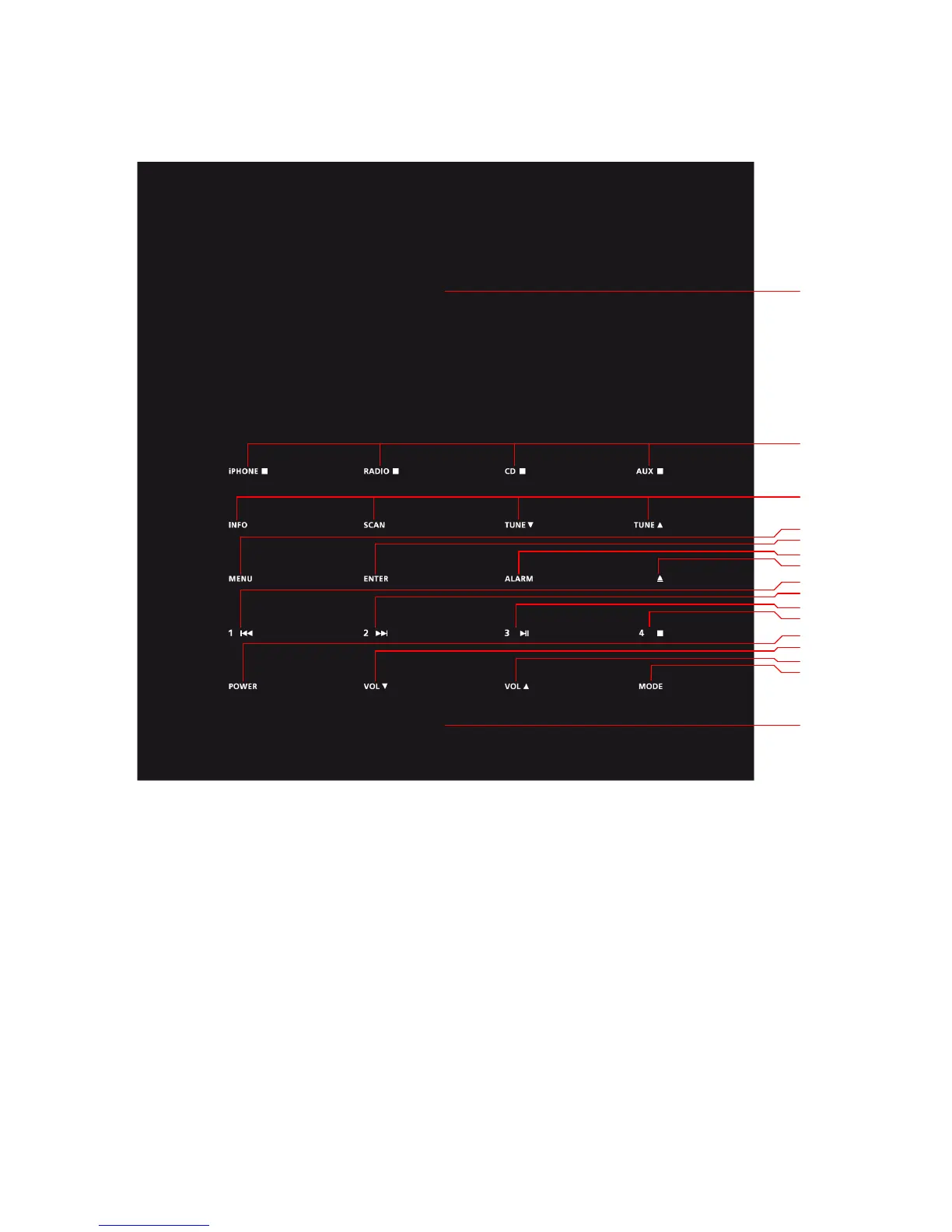
Top Panel
Note: The buttons available are selected for the current chosen input.
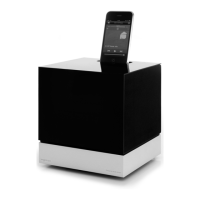
1. Dock: Place your Apple device in the dock.
2. Sources:
a) The MODE button cycles the inputs.
b) The user may select: iPHONE, RADIO, CD or AUX.
Notes
a. iPHONE, CD or AUX cannot be selected if not an Apple device, a disc
or a 3.5mm jack is present
b. The RADIO square dot will be lit for both DAB and FM radio
3. Radio functions:
4
5
6
7
1
2
3
8
9
10
11
12
13
14
15
16


 To Next Page
 Loading...