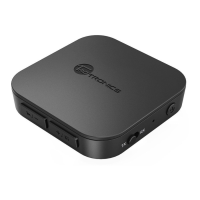
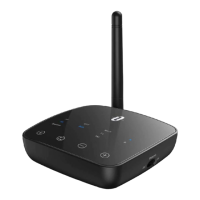
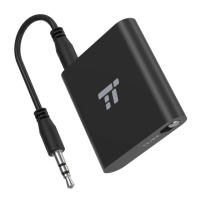
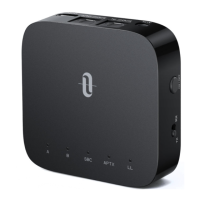
Use in RX Mode | Initial Pairing
Pair with the 1st Bluetooth® Device
1) Slide the Mode switch to “RX” mode.
2) Press and hold the Power button for 3 seconds to turn on the adapter.
3) For the first use, TT-BA09 Pro will enter pairing mode
automatically with indicator “A” flashing quickly.
4) Activate the Bluetooth® function on your phone/tablet, find
“TaoTronics TT-BA09 Pro” in the search results and tap to connect.
Once connected, the indicator “A” will turn solid on.
Pair with the 2nd Bluetooth® Device
1) After connecting with the 1st Bluetooth® device, press the Power
button twice, the indicator “B” will flash quickly.
2) Place your 2nd Bluetooth® device close to the adapter (within 3
feet / 1 meter). Activate the Bluetooth® function on your phone/
tablet, find “TaoTronics TT-BA09 Pro” in the search results and tap
to connect. Once connected, the indicator “B” will turn solid on.
Use in RX Mode | Automatic Re-connect
TT-BA09 Pro can remember the devices paired previously, and will
attempt to pair with the last connected devices (up to 2 devices)
automatically once it is turned on.
Use in RX Mode | Clear Pairing History
When the adapter is off, clear the pairing history by sliding the
Mode switch to “TX”, then power it on.
ENGLISH / 13 ENGLISH / 14



 To Next Page