TROUBLESHOOTING
Solutions
Make sure that you have followed the
instructions for cable connections and
settings on TV/PC/Laptop.
Make sure your Bluetooth® device
supports apt-X Low Latency® codec.
After connected, the Codec indicator
“LL” will light up to indicate the low
latency streaming codec.
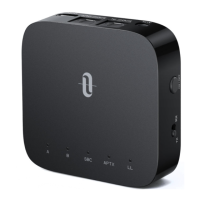
When TT-BA09 Pro is powered on, press
the Power button twice to enter pairing
mode before reconnecting to the
paired device.
Each time you switch the modes, the pairing
history will be cleared. Please re-pair with
your Bluetooth® device as instructed.
Problem
No audio input
Audio delay
Pair with a new
Bluetooth® device
Can’t reconnect
with the last
connected device
ENGLISH / 15 ENGLISH / 16
WARRANTY AND SERVICE
Thank you for choosing the TaoTronics TT-BA09 Pro Wireless
Adapter. If any problems occur, please contact the TaoTronics
Customer Care Centre in your country via the contact information
listed in this User Guide.



 To Next Page