User's Guide The HDD Drive
Page 5-1
Chapter 5 The HDD Drive
Your notebook is equipped with an industry standard 2.5”/9.5mm hard disk drive.
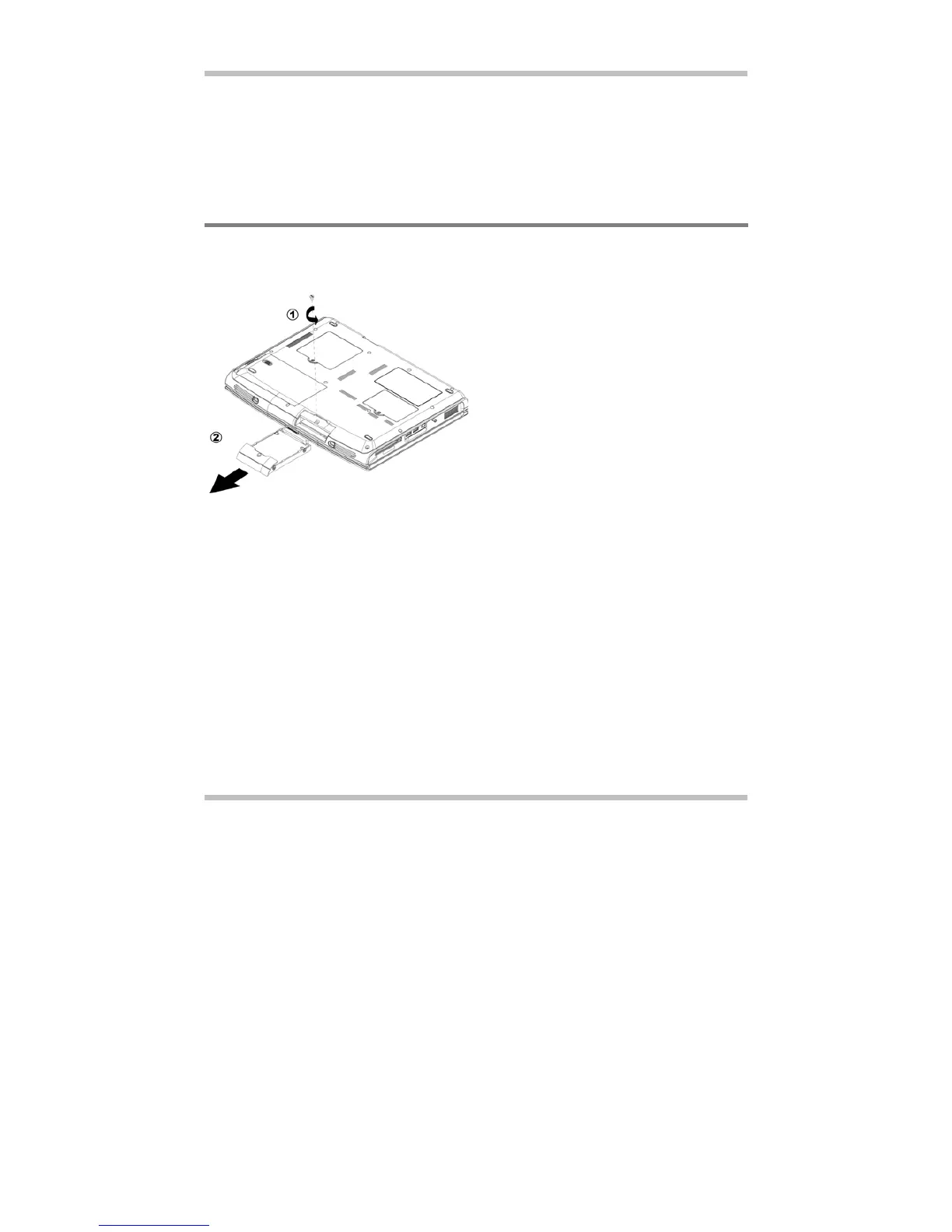
5.1 Removing The Hard Disk Drive
Below is the procedure on how to remove the hard disk drive.
To insert the hard disk drive, reverse the steps above.
• Make sure the system is properly
shutdown.
• Flip the system upside down.
• Remove the screw as shown by
#1.
• Remove the HDD drive as shown
by #2.



 To Next Page