5 Method of Heating
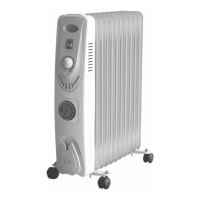
The heating fins are filled with a special oil that conducts heat from the heating element out
to the metal surfaces of the fins.
This in turn warms the air around them which gently and silently heats the room.
You will notice the surfaces in the room (i.e. walls, furniture, etc) will heat up and will radiate
the heat back into the room.
This type of heating is very different to the “normal” fan heater which only spot heats the air
and blows the heated air directly onto the person. (personal heater).
The Oil Filled Heater will warm the complete room and persons in the room. This type of
heating is not instantaneous and may take 30 – 60 minutes to reach full temperature
depending on the ambient temperature, room size, insulation, etc.
Be careful never to damage or puncture the fins because as the oil inside heats up, the
pressure inside rises creating a pressurised vessel.
Like any electrical appliance, this product may cause injury or could cause damage to
property if used whilst the heater is damaged.
6 Operation
NOTE: Keep combustible materials such as furniture, pillows, bedding, papers, clothes and
curtains, etc. at least 90cm from the top and all sides of the heater.
DO NOT drape clothes, laundry, towels etc. over the heater.
To use, insert the plug into the power point and switch on.
6.1 Low, Medium and High Heat Settings
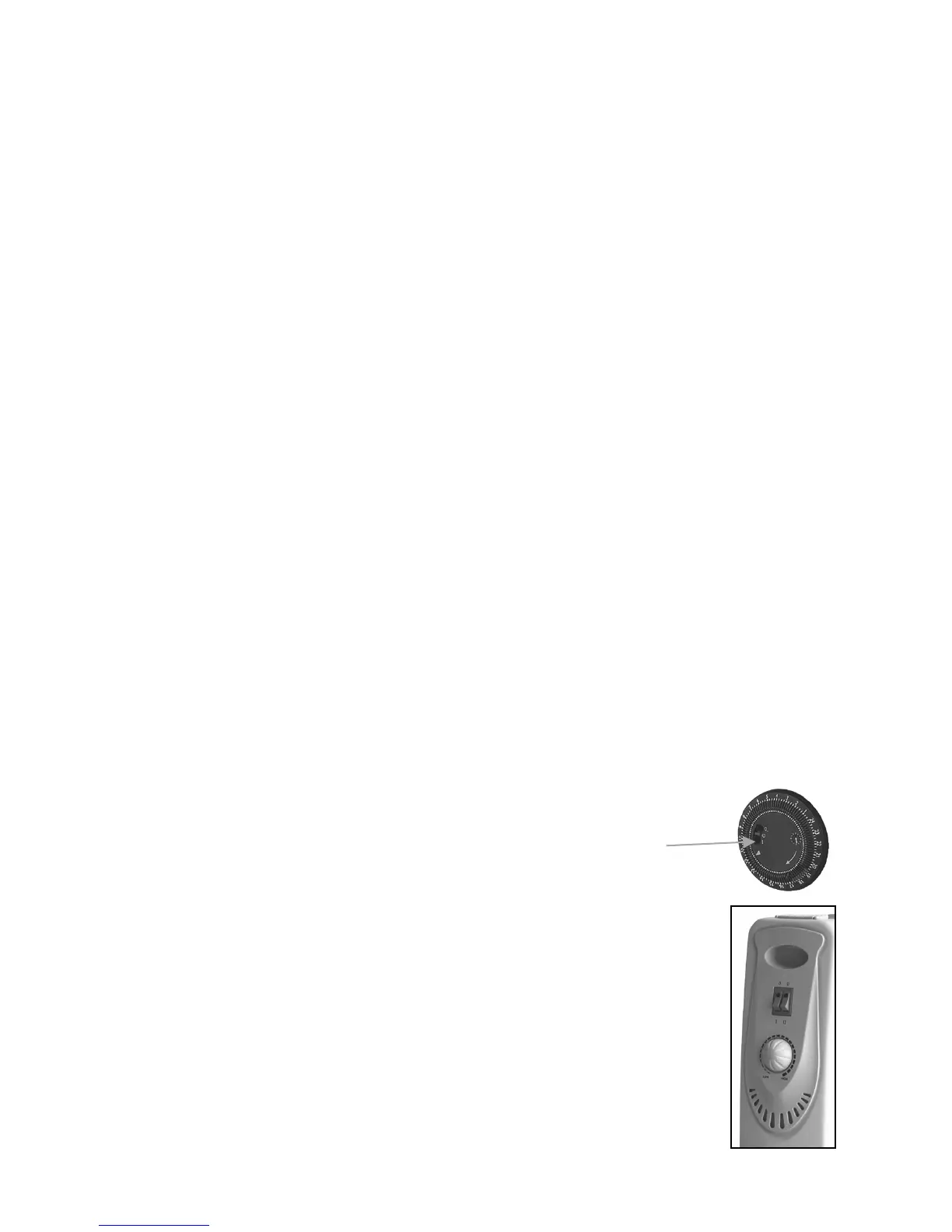
• First, ensure the heater is plugged in and switched on at the power
point, the Timer Switch in the centre section of the Timer is set to
the “I” (On) position and that the adjustable room Thermostat is set
to the High Position. (Rotate Fully Clockwise).
Note: To use the timer function, refer to the “Timer” section in this manual.
• Switch “I”: With the “switch II” is in the “0” position, press “switch I” to the “I”
position for “Low Heat” setting. The Indicator Light in the switch will
illuminate indicating power is being supplied.
• Switch “II”: With the “switch I” is in the “0” position, press “switch II” to the
“II” position for “Medium Heat” setting. The Indicator Light in the switch will
illuminate indicating power is being supplied.
Page 12 of 20


 To Next Page
 Loading...