32
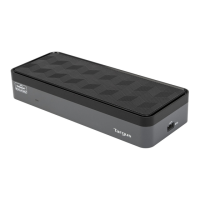
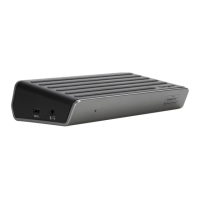
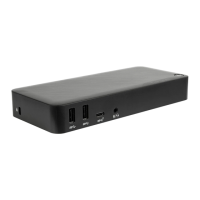
Targus Dual HDMI 4K Docking Station with
100W Power Delivery Pass-Thru
Targus Dual HDMI 4K Docking Station with
100W Power Delivery Pass-Thru
Introduction
Thank you for your purchase of the Targus Dual HDMI 4K Docking Station with
100W Power Delivery Pass-Thru.
Contents
• DOCK423
• User Guide
System Requirements
Hardware
• USB-C Alternate Mode Host (Including Thunderbolt)
Operating System
• Windows 10
• macOS and iPad Pro
• Chrome OS
• Android
• Linux
Connect the Upstream Facing USB-C plug
to a USB-C Alternate Mode compatible Host
receptacle
Features
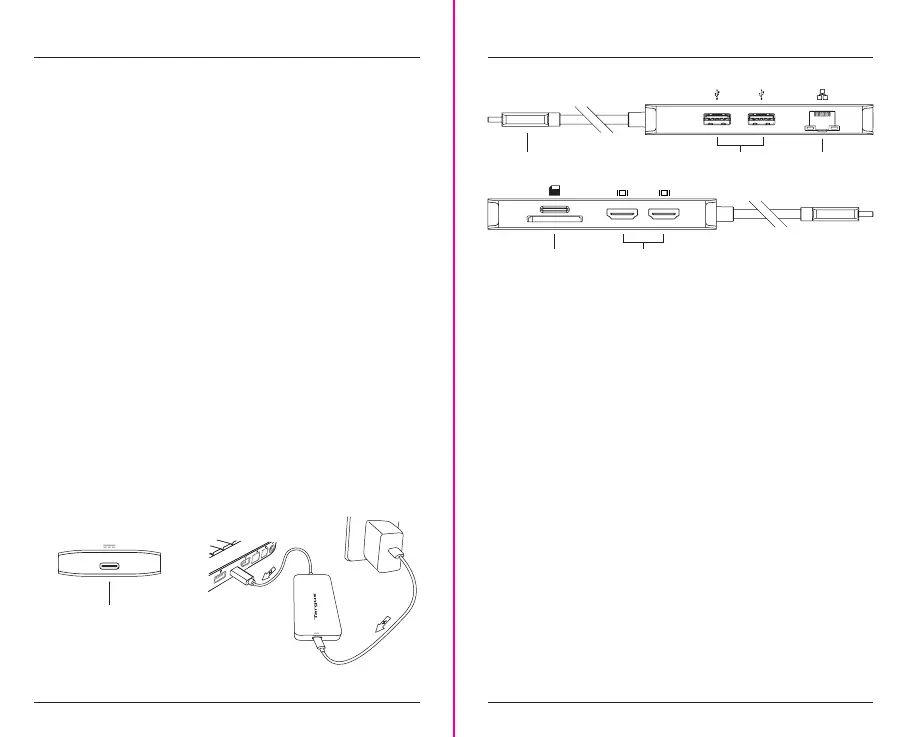
USB-C USB-A Device
HDMI Display
Ethernet
4K@60Hz
BC 1.2
4K@60Hz
• USB-C Alternate Mode Upstream Facing Host Plug
- Supports USB-C Power Delivery Pass-Thru up to 100W Upstream*
- Supports Power Delivery 3.0 Fast Role Swap
• One USB 3.2 Gen 1 SuperSpeed 5Gbps Downstream Facing Type-C
Receptacle
- Supports USB-C Power Delivery Pass Through
• Two USB 3.2 Gen 1 SuperSpeed 5Gbps Downstream Facing Type-A
Receptacles
- One Supports BC1.2 up to 1.5A charging when USB-C Power Pass Through
Port and laptop are connected
• One Gigabit Ethernet Port
- One Full Size RJ45 supporting 10/100/1000Mbps Ethernet
• Two HDMI Ports
- Supports HDMI resolutions up to 4K@60Hz
- Supports dual HDMI output MST in Windows & ChromeOS
- Supports dual HDMI output by SST macOS (Mirror)
• One SD Card Slot
- Supports Secure Digital v3.0 UHS-I (Ultra High Speed)
• One Micro SD Card Slot
- Supports Secure Digital v3.0 UHS-I (Ultra High Speed)
Micro SD / SD
Optional USB-C
Power Delivery Adapter
(for compatible Host charging)
*USB-C PD power adapter is not included



 To Next Page