3
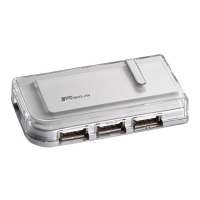
USB 2.0 High Speed 4-Port Hub
Introduction
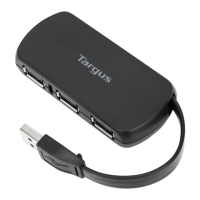
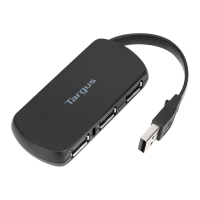
Congratulations on your purchase of a Targus USB 2.0 High
Speed 4-Port Hub. This ultra portable hub is USB 2.0
compliant and connects to a Universal Serial Bus (USB) port
on your desktop or notebook computer.
The hub has four ports for connecting USB (high-speed 2.0 or
standard 1.1) devices to your computer. One or more of these
devices can be additional hubs. You can daisy-chain up to 127
USB (high-speed 2.0 or standard 1.1) devices to your computer
in this way.
The hub also provides a maximum bandwidth of 480 Mbps,
which enables you to connect devices that consume a large
amount of bandwidth, such as an external storage device,
printer, scanner, DVD or CD-RW drive or digital camera, to
your computer.
This user’s guide describes how to connect the hub to your
computer and install default software drivers for the following
hub models:
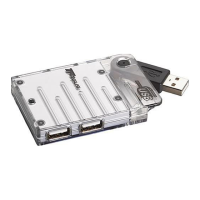
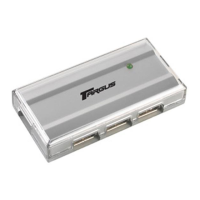
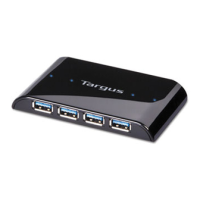
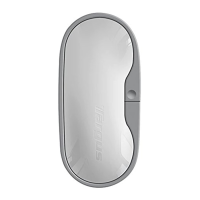
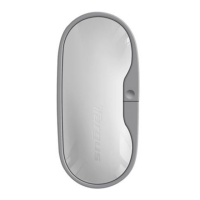
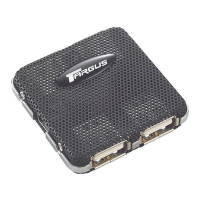
• PAUH200 – USB 2.0 High Speed 4-Port Switching Hub
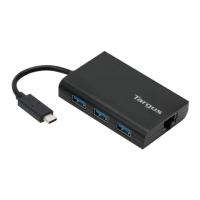
• PAUH210 – USB 2.0 High Speed Mini Cable Powered Hub
In addition to this user’s guide, depending on the hub model
that you purchased, this package contains:
PAUH200 PAUH210
• USB 2.0 switching hub
• 2 USB 2.0 A to B cables
• AC power adapter
• USB 2.0 hub
• USB “Y” power cable



 To Next Page
 Loading...