Model 12 operations
MTR/USB SEND POINT screen settings
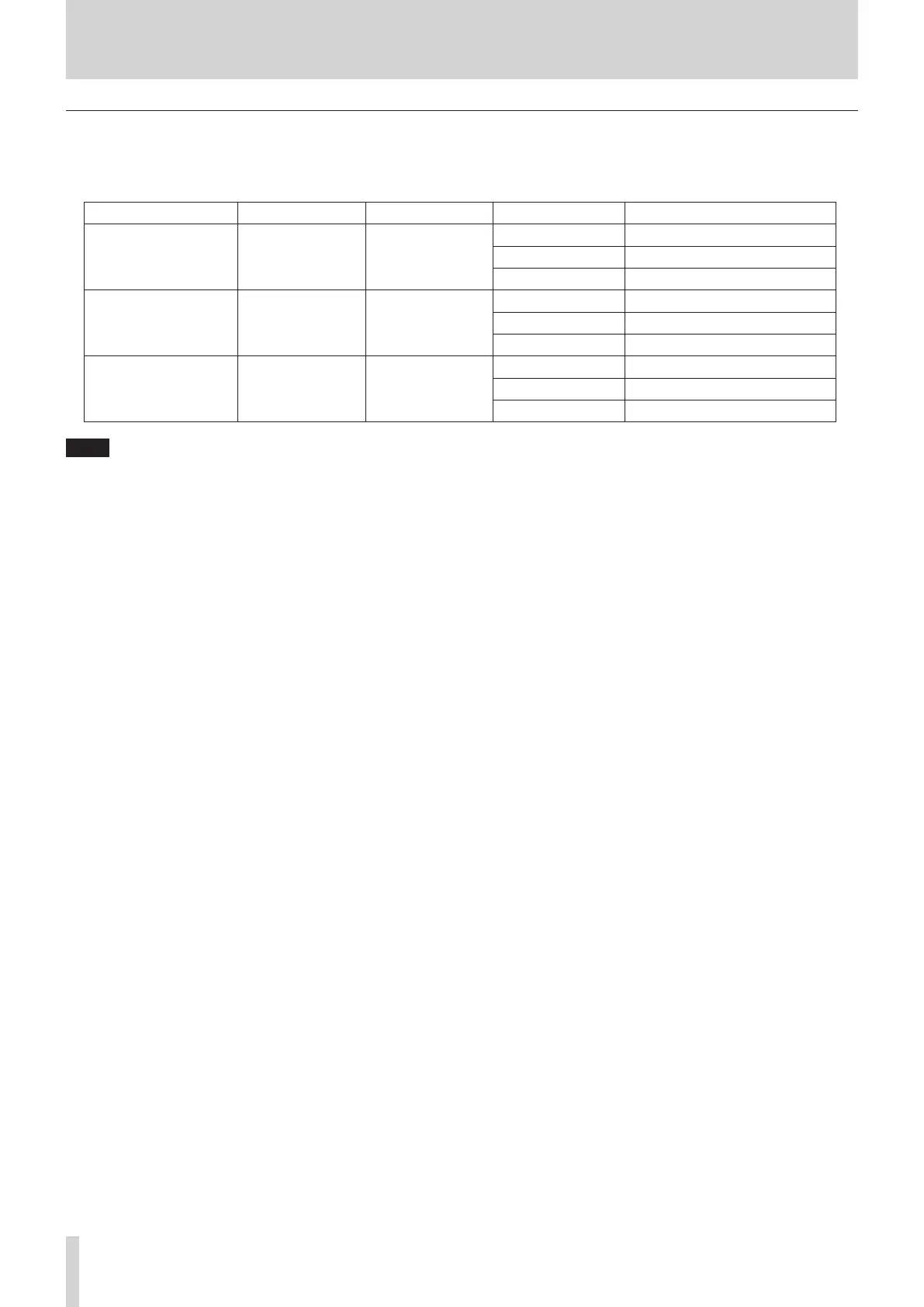
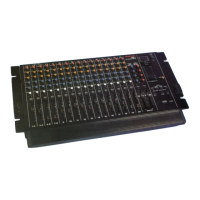
The audio sent by USB depends on the Model 12 MODE switch settings and the MTR/USB SEND POINT screen settings.
For details about the MTR/USB SEND POINT screen settings, see “Selecting the positions that recording signals are sent from each
channel” under “Mixer functions” in the “9 – Other functions” chapter of the Owner’s Manual.
MTR/USB SEND POINT COMP EQ MODE switch Audio sent to computer
PRE COMP Disabled Disabled
LIVE Sound from input jacks is sent.
PC Sound from input jacks is sent.
MTR Sound from input jacks is sent.
POST COMP Enabled Disabled
LIVE Sound from input jacks is sent.
PC Sound from computer is sent.
MTR No sound is sent.
POST EQ Enabled Enabled
LIVE Sound from input jacks is sent.
PC Sound from computer is sent.
MTR No sound is sent.
NOTE
Regardless of the above settings, COMP/EQ is enabled for sound from the computer.
4 TASCAM Model 12 DAW Controlmode Manual



 To Next Page