CD TO MP3
Start Using Computers,
Tablets, and Internet
125 S. Prospect Avenue, Elmhurst, IL 60126
(630) 279-8696 ● elmhurstpubliclibrary.org
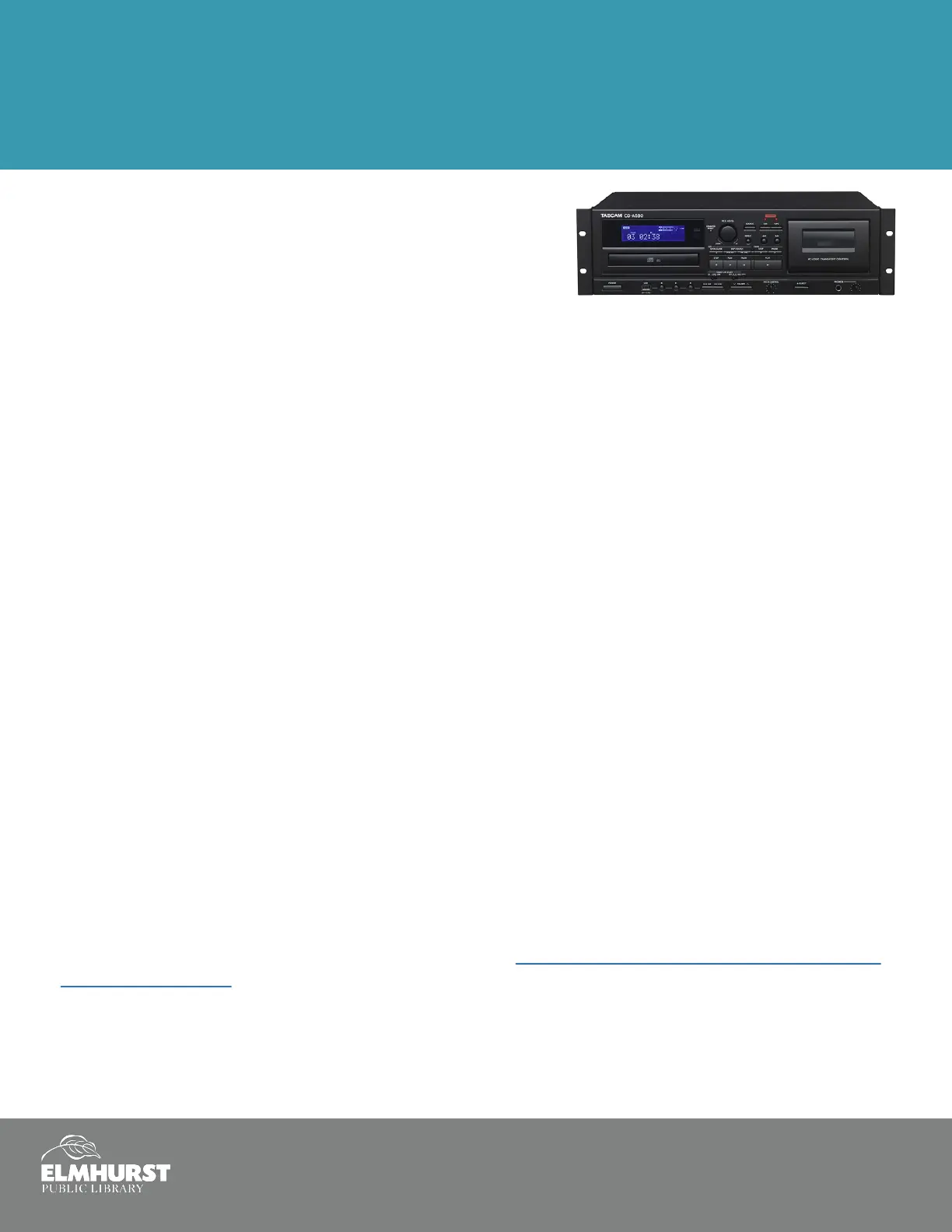
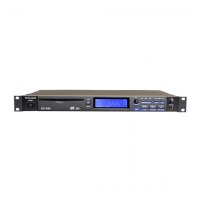
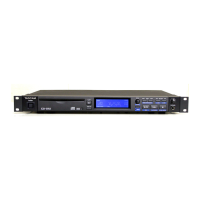
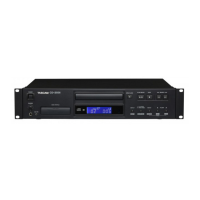
The Tascam CD-A580
The Tascam CD-A580 is a device that will convert cassee tapes
to MP3 formats stored onto a ash drive. It will also digize CD’s
to MP3, and will allow users to create cassee tapes. The Tascam
does not “burn” CD’s.
Getting Started
Bring a ash drive large enough to store music from your CD
Music les are roughly 10MB per minute, so a one hour cassee tape will require about 600MB of
free space
Call Elmhurst Public Library to reserve Creave Studio B for an adequate amount of me
The machine converts in real-me, so 1 hour of music will take 1 hour to convert
How to Transfer Songs from a Cassette to a USB Drive
Load the CD into the Tascam and place the USB drive into the port on the machine
Press the Source buon repeatedly to select CD
It will scroll between CD, TAPE, or LINE
3. Press the RECORD USB buon to prepare the USB for recording
The red indicator above the RECORD USB buon and the REC icon on the display will blink
Preparaon for USB recording takes a few seconds. USB ash drives with especially large capacies
might take more me. When “Record Prepare” is shown during preparaon, pressing buons will
have no eect
5. To record all the tracks/les on a CD, stop the disc rst
To record only some of the tracks, pause at the beginning of the part that you want to record
6. Press the RECORD USB buon again. CD will begin playing and recording will begin.
7. The red indicator above the RECORD USB buon and the REC icon on the display will remain solid
8. Press the USB Stop or CD Stop buon to nalize and end the recording. Display will say RECORD ENDING.
For addional informaon, see page 28 of the user manual: tascam.com/content/downloads/products/922/
cd-a580_om_e_vb.pdf



 To Previous Page