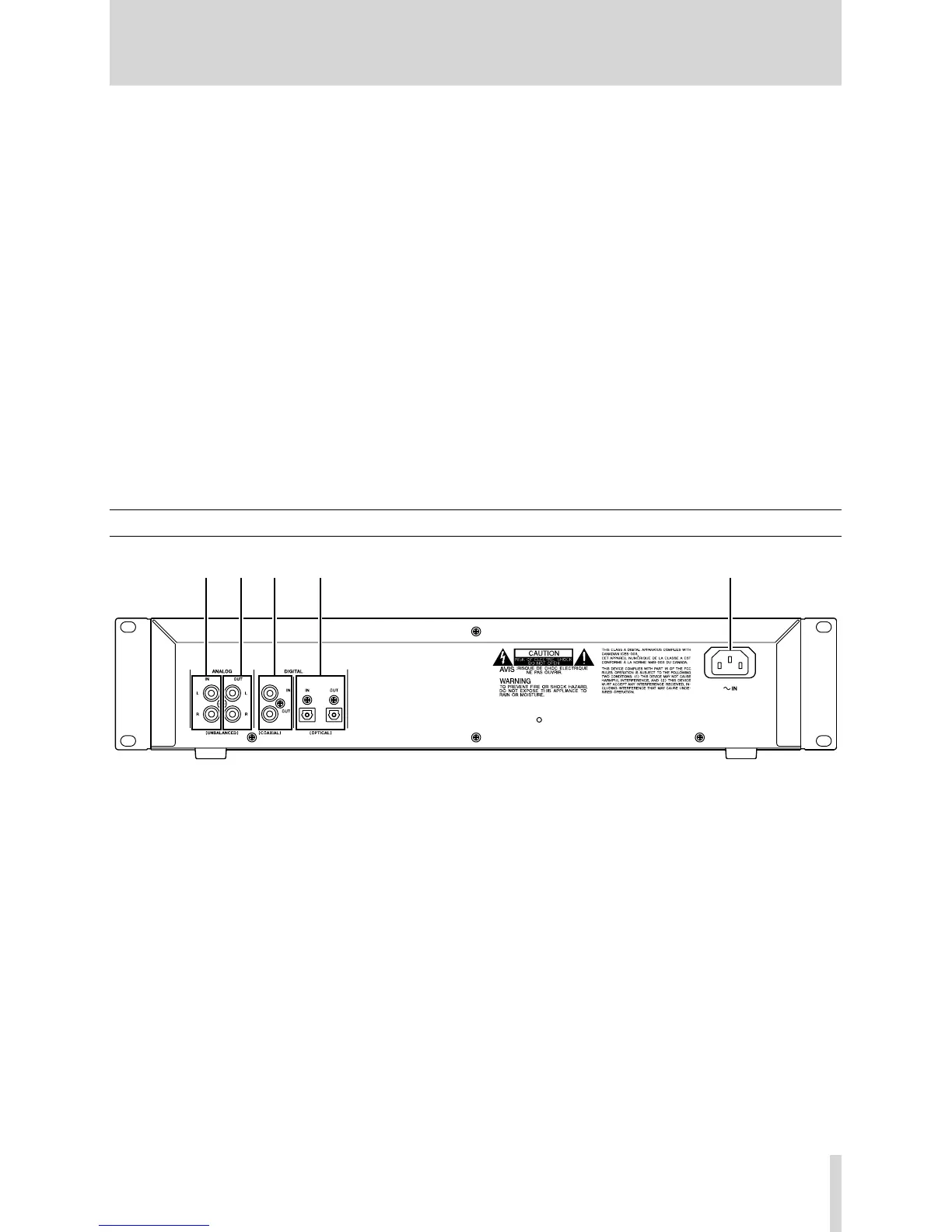
Rear panel
h
ANALOG INPUT (L, R) These RCA jacks accept
analog audio signals from suitably-equipped units
(−10 dBV, unbalanced).
j
ANALOG OUT (L, R) These RCA jacks output ana-
log audio signals (at −10 dBV levels, unbalanced) to
suitably-equipped units).
k
DIGITAL COAXIAL (IN, OUT) These two RCA jacks
accept and output digital audio in standard consum-
er format (SPDIF).
l
DIGITAL OPTICAL (IN, OUT) These two TOSLINK
optical connectors accept and output digital audio
using optical ber connectors.
;
AC IN jack Connects the power cable supplied.
i
˚
/
¥
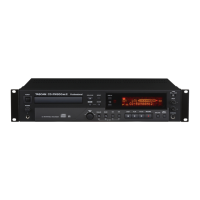
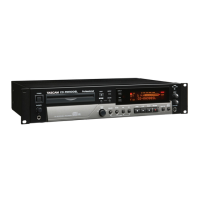
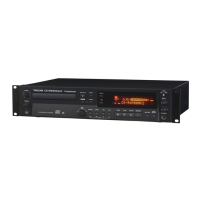
key Use this key to operate cue playback
(search) while playback or ready mode.
When Directoy search is on, and when stop, using
this key selects the drectory.
It also moves the cursor in the right direction when
entering TEXT data.
o
STOP key Use this key to stop playback or record-
ing.
p
PLAY key Use this key to start or resume playback
or recording.
a
READY key Use this key to stands by playback or
recording.
s
RECORD key Use this key to enter record ready
mode (see “Recording”on page 21 for details) and
also to enter manual track divisions (see “Manual
track division” on page 25).
d
SYNC REC key Use this key to turn synchronized
recording on and off before starting to record (see
“Synchronized recording” on page 23 for details).
f
INPUT SELECT Use this key to select the different
audio inputs and the input combinations (see “Input
selection” on page 21 for full details).
g
KEYBOARD jack An IBM PC-compatible keyboard
with PS/2 interface can be connected to this termi-
nal to enable certain operations of the CD-RW900
with the keyboard. Title input operations, in particu-
lar, can be performed with greater efciency.
2 − Features of the CD-RW900



 To Next Page