4 TASCAM MP-VT1
The MP-VT1 uses a built-in lithium ion battery that can
be recharged by connecting the unit to a computer with
the included USB cable. You can also use an AC adapter
(sold separately) to power the unit and recharge the
battery.
When new, the battery charge lasts about 8 hours.
When you purchase the MP-VT1, the battery is not
fully charged. Please charge it before use or use it
with an AC adapter (sold separately).
Recharging with a computer
To charge the battery using a computer, connect the unit
to the computer using the included USB cable and turn
the computer on if it is off and not transmitting power to
the unit.
Connect the MP-VT1 directly to the computer.
Recharging cannot be guaranteed if a USB hub is used
between the computer and the MP-VT1.
Recharging takes about 6 hours (when the MP-VT1
power is OFF).
If the MP-VT1’s power is turned ON when it is being
recharged from a computer, it is automatically treated
by the computer as a connected USB drive. (See
“Connecting to a computer” on page 11.)
Recharging with a PS-P520 AC adapter
(sold separately)
Connect the AC adapter to the MP-VT1’s DC IN 5V jack
and plug the adapter into a working power outlet.
Recharging takes about 3 hours.
You can use the MP-VT1 when it is connected to an AC
adapter and recharging.
Furthermore, the recharging time is the same whether
the MP-VT1 power is ON or OFF.
About the power supply
Recharging the battery
To turn the MP-VT1 power on
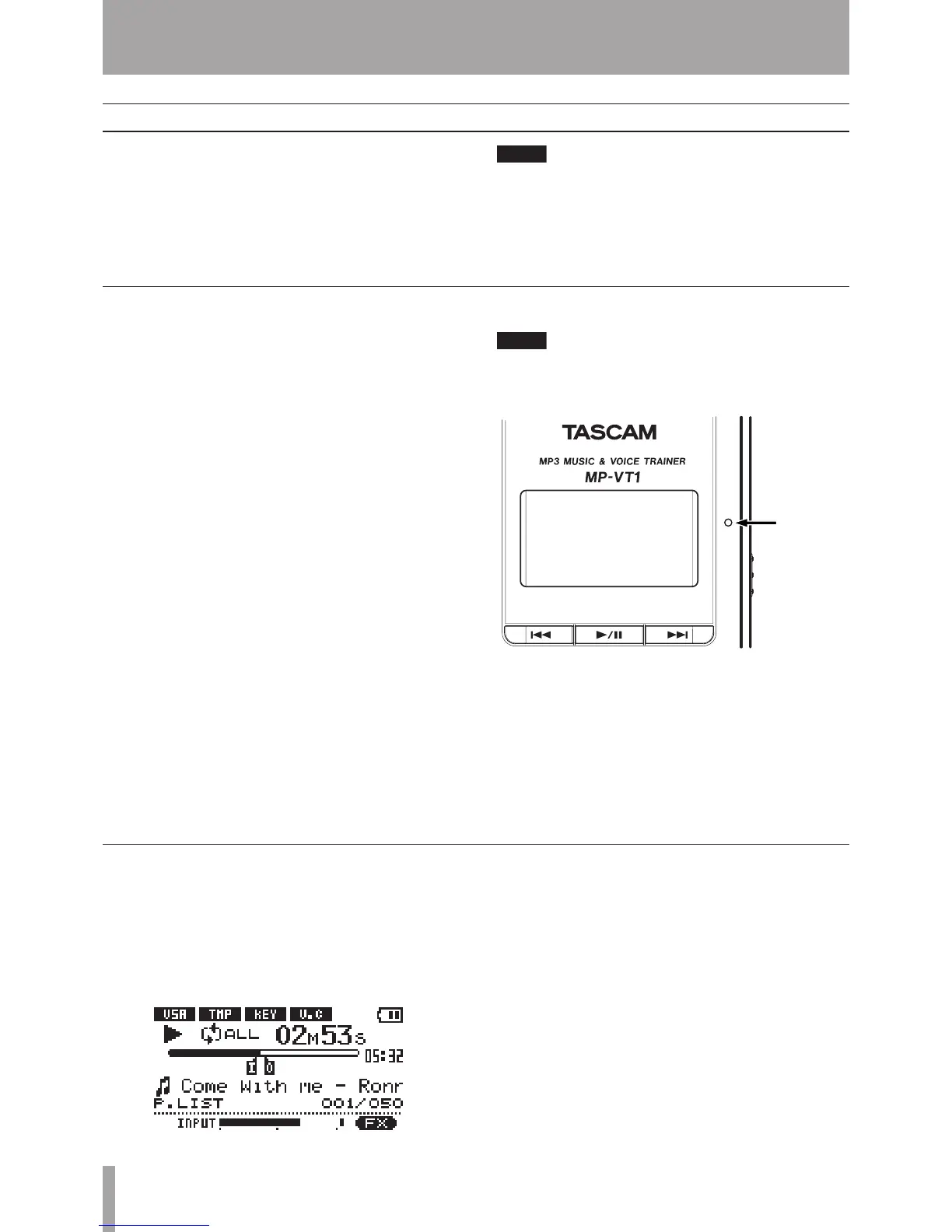
Slide the POWER switch in the direction of the arrow
and hold it until TASCAM appears on the screen.
Release the switch.
The MP-VT1 starts and the home screen appears.
To turn the MP-VT1 power off
Slide the POWER switch in the direction of the arrow
and hold it until Trainer series appears on the
screen. Release the switch. The MP-VT1 then shuts
down.
Turning the power on and off
1 – Introduction



 To Next Page