APP SOFTWARE FOR BASE INSTALLATION
HARDWARE REQUIREMENTS
• iPhone 4s (or above) enabled smart device
SOFTWARE REQUIREMENTS
• iOS 7 (or above) or Android 4.3 (or above)
4
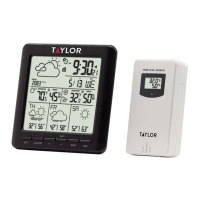
WIRELESS OUTDOOR SENSOR
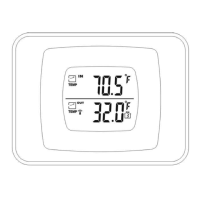
C1: LCD display – Temperature
C2: LCD display – Humidity
C3: Transmit signal LED
C4: “°C/°F” button
C5: “TX” button
C6: Channel selector switch
C7: Battery compartment
DOWNLOAD THE WEATHER SENSE APP
• Download IOS APP application software
URL:
https://itunes.apple.com/cn/app/
weathersense/id1273633929?mt=8
• Download Android APP application
software URL:
https://play.google.com/store/
apps/details?id=com.emax.weahter
APP INSTALLATION FOR IOS USERS
• Download the WeatherSense app from
the Apple store and install.
• Turn WiFi to ON to connect to network
• Set 4G LTE roaming to ON
• Turn ON Location services under Settings
APP INSTALLATION FOR ANDROID USERS
• Download the app from the Google Play store
and install
• The app will require location and storage
permissions, select ALLOW
• Turn WLAN to ON and connect to WiFi
• Set 4G LTE roaming to ON
• Turn WLAN+ to OFF (this allows automatic
change between WLAN and 4G LTE)
• Turn the GPS to ON


 To Next Page