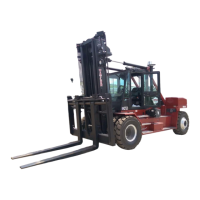
TX / TXH / TXB 180S - 400L (Rev. 4/23/07)TX / TXH / TXB 180S - 400L (Rev. 4/23/07)
6-486-48
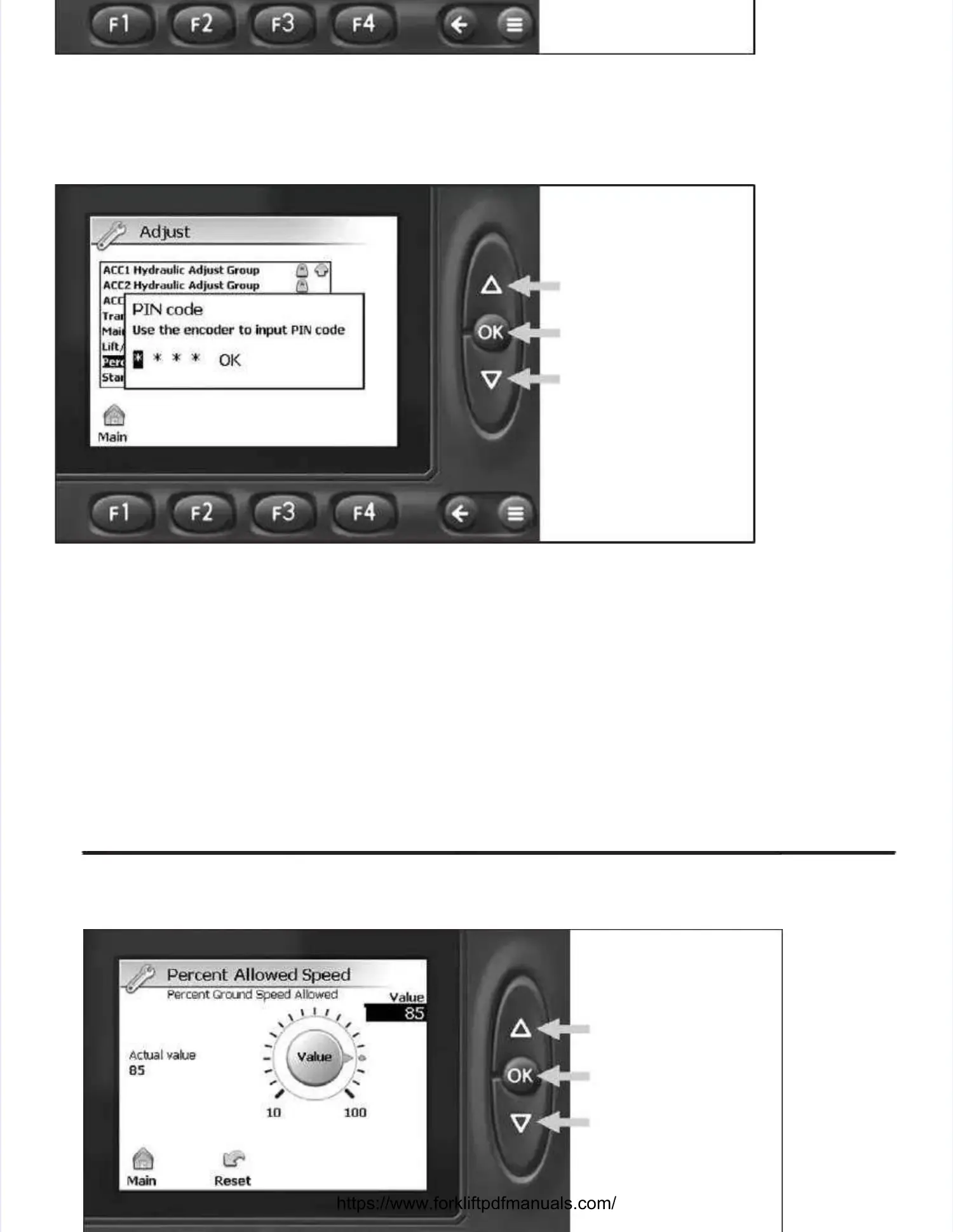
3.3. Select tSelect the Percehe Percent Ground Spnt Ground Speed Alloweed Allowed adjust ged adjust group by deproup by depressiressing the UP or Downg the UP or Down button (an button (ass
indicated by the arrows above) and depresindicated by the arrows above) and depress the OK button to view s the OK button to view the adjust group. the adjust group. The PIN codeThe PIN code
screen will appear. screen will appear. The correct PIN code must be entered before the sofThe correct PIN code must be entered before the software will allow any adjust-tware will allow any adjust-
ments to be made.ments to be made.
UP ButtonUP Button
Down ButtonDown Button
OK ButtonOK Button
4.4. DepresDepress the UP or Down buts the UP or Down button (as inditon (as indicated by tcated by the arrows abhe arrows above) untiove) until the firsl the first numeric dit numeric digit appeagit appearsrs
in the first field. in the first field. Depress the OK button to enter the numeric digit and advance to tDepress the OK button to enter the numeric digit and advance to the next field.he next field.
Repeat this step until all four numRepeat this step until all four numeric digits have been entered. eric digits have been entered. After the code has been entered, OKAfter the code has been entered, OK
will be highlighted; depress the OK button to enter PIN code and view the Percent Ground Speedwill be highlighted; depress the OK button to enter PIN code and view the Percent Ground Speed
Allowed adjust groupAllowed adjust group. . Depress the OK Depress the OK button again button again to make adjustments.to make adjustments.


 To Next Page
 Loading...