TBS6909 Multi Standard Tuner Card User Guide
Working mode:Normal mode (Mode 1)
At the very beginning, you have to create configuration file under the Linux system directory:
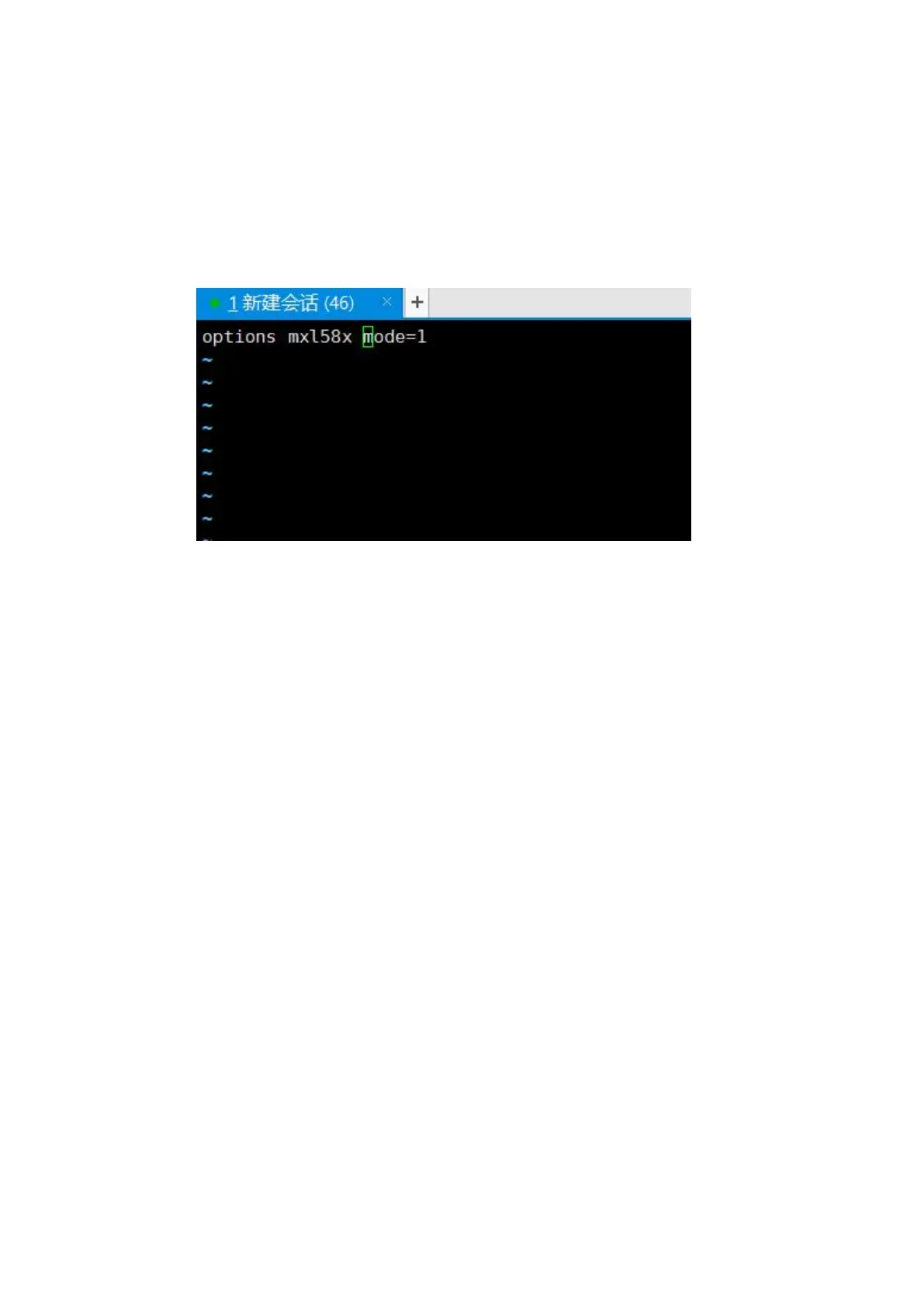
/etc/modprobe.d/mxl58x.conf. The content of the configuration file: options mxl58x
mode=1. After configuration completed, please reboot your computer.
Under the condition of Normal mode: You can search full TV channels from high-frequency /
low-frequency noise V/H TV signals via all the four interfaces “Input 0 ,Input 1,Input 2,Input 3
interface”.
Connecting to satellite cable:
Input 0: only work for Tuner 0 and Tuner 1
Input 1: only work for Tuner 2 and Tuner 3
Input 2: only work for Tuner 4 and Tuner 5
Input 3: only work for Tuner 6 and Tuner 7
Notes: If you would like to receive full TV channels from V/H satellite TV signals simultaneously,
you need to connect more than 2 satellite TV signal cable to the corresponding “Input” interface.
For example, connecting satellite cable to “Input 0” interface and “Input 1” interface, then you
can separately search TV channels from V/H satellite TV signal at the same time
.
Normal mode, input0 corresponding to Tuner0 or Tuner1, can only work V or H of which a signal
channel, if you want to work V Tuner0 signal channel, Tuner1 work H signal channel, is not
allowed
Working mode:Unicable (Mode 2)
At the very beginning, you have to create configuration file under the Linux system directory:
/etc/modprobe.d/mxl58x.conf. The content of the configuration file: options mxl58x
mode=2. After configuration completed, please reboot your computer.



 To Next Page