8
1.2.3 Powering off your tablet
Press and hold the Power key until options appear, then
select Power off.
1.3 Home screen
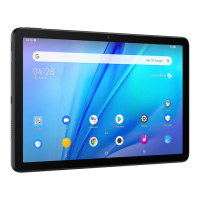
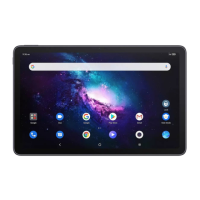
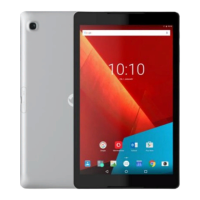
You can bring all the items (applications, shortcuts,
folders and widgets) you love or use most frequently
to your Home screen for quick access. Touch the Home
button to switch to the Home screen.
1
2
1
Status bar
• Status/Notification indicators
• Swipe down to open the Notification panel.
2
Favorite tray applications
• Enter the application.
• Long press to move or remove applications.



 To Next Page
 Loading...