25
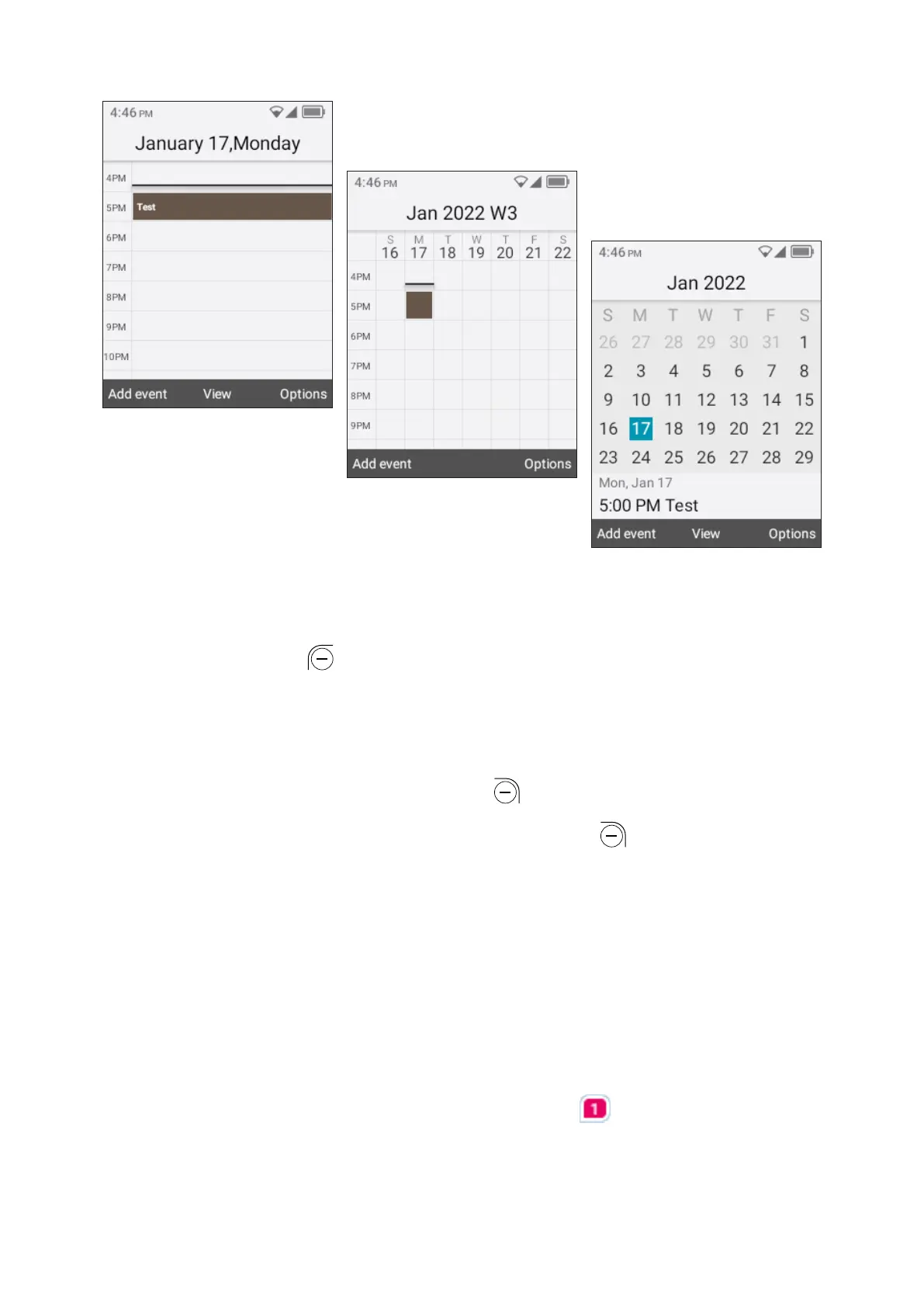
Day view
Week view
Month view
Creating new events
Press the Left Soft Key to add new events from any Calendar view.
• Fill in new event information.
• If it is a whole-day event, select All-day event.
• When finished, press the Right Soft Key to save.
More Options are available by pressing Right Soft Key from the Calendar main
screen:
• Go to date: To go to whatever date you want.
• Search: Search scheduled events.
• Settings: To set a series of Calendar settings.
Event reminder
If a reminder is set for an event, the upcoming event will appear on the Status
bar as a notification when the reminder time arrives.



 To Next Page