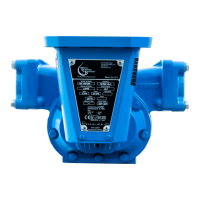
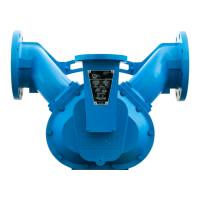
682 METER BONNET REPAIR INSTRUCTIONS
I.
A. Remove all parts and seals from the meter bonnet and clean them. You may air blast
parts with a glass bead material to clean parts.
B. Check for excessive wear. NOTE: Problems with any of these following items will
require a new bonnet or shafts.
1. Drive Shaft (#5). Emory cloth may buff these out.
2. Compensator Shaft (#24). Emory cloth may buff these out.
3. Bonnet (#12)
a. Drive shaft packing gland.
b. Compensator shaft gland.
c. Counter drive gear assembly seat & post.
II.
A. Insert drive shaft gear assembly (#18) with Rulon washer (#17) into the meter drive
shaft packing. Install drive shaft packing Kit (#9).
SEE DRIVE SHAFT PACKING KIT INSTRUCTIONS for more information.
C. Slide the counter drive gear assembly (#15) with Rulon washer (#14) over the post.
Each meter uses about 3-4 washers (#10) before the cotter pin (#21) is inserted.
D. Compensator Shaft Assembly
1. Insert AF/SP retaining ring (#32) or SS cotter pin (#16) on to the
compensator shaft (#24).
2. Insert compensator shaft into packing gland.
3. Install compensator shaft packing kit (#30).
SEE COMPENSATOR SHAFT PACKING KIT INSTRUCTIONS
for more information.
E. Mount Bonnet to Base.
1. Place gasket (#13) into bonnet (#12).
2. Move compensator shaft (#24) to match pinion (#51) in the base by
using the index disc (#27).
3. Mount bonnet (#12) to base (#60).
4. Insert screws (#31) and tighten.


 To Next Page