DKC301DC SLIDING GATE OPERATOR INSTALLATION AND USER’S MANUAL
6
5. Wiring
Make sure the power is OFF before making any electrical wiring. Control board included in the gate
operator.
SET button: Mode setting and function confirming
CODE button: Transmitter learning and erasing
OPEN button: Open limit
CLOSE button: Close limit
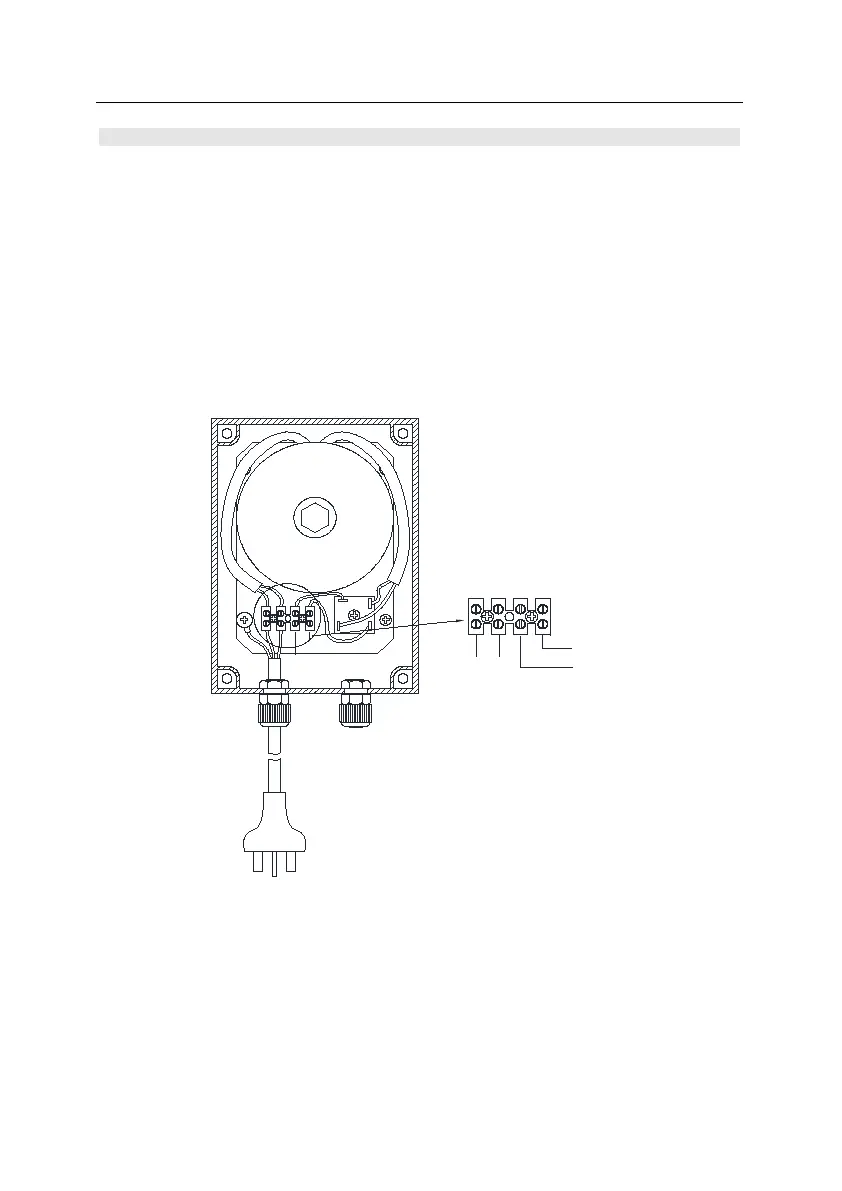
External Transformer: (optional)
You can select the external transformer according to your order, connect the transformer to control
board Power + (+24V) and Power – (0V).
Fig.4 Separate transformer to suit DC gate operator
+24VDC
0V
AC240V
0V
Black
+24VDC
Red
Connect to control board



 To Next Page