10
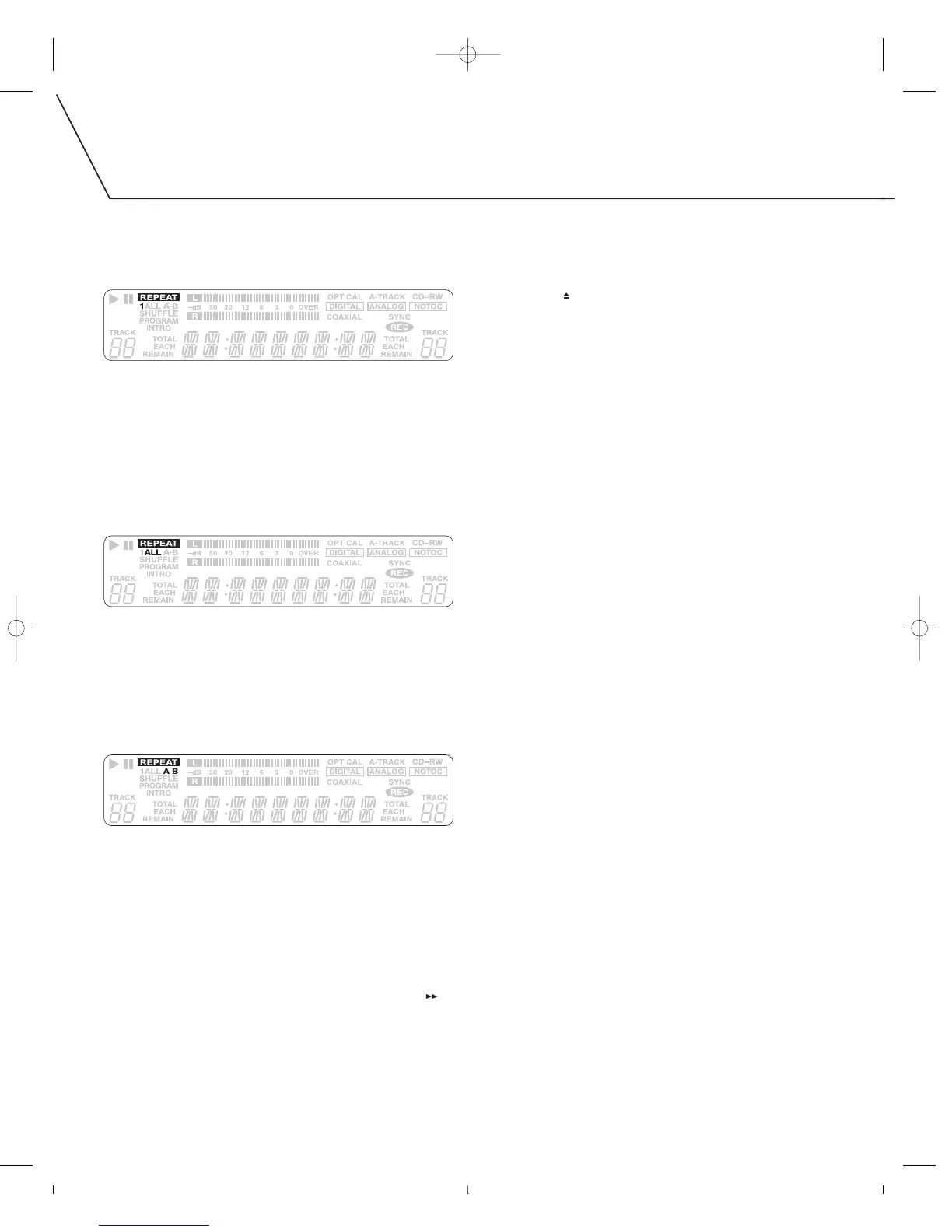
Repeatedly pressing the remote control’s REPEAT 1/ALL button
changes the mode as follows:
REPEAT 1
During playback, press the remote’s REPEAT 1/ALL button, selecting
REPEAT 1.
•
The current track will play repeatedly.
• If you select another track while in REPEAT 1 mode, the track you
select will be played repeatedly.
It is also possible to set REPEAT 1 mode while playback is stopped:
1. Press the REPEAT 1/ALL button.
2. Using the remote’s numeric buttons, select the track number to play.
REPEAT ALL
During playback, press the remote’s REPEAT 1/ALL button until
REPEAT ALL is selected.
•
All tracks on the disc will be played repeatedly.
•
During program playback, only programmed tracks will be played
repeatedly.
• When discs are in TRAY I and TRAY II, the unit will repeat all tracks
on each disc for five cycles before stopping.
REPEAT A-B
This mode repeats a designated section of music. This mode cannot
be used with unfinalized CD-R or CD-RW discs.
1. Start playback.
2. When the beginning of the section of music you wish to repeat
is reached, press the remote’s A-B button.
3. When the end of the section of music you wish to repeat is
reached, press the remote’s A-B button again.
• The selected section of music will now repeat.
•
Repeat A-B start and end points must be selected within the same track.
• After designating point A, the remote’s SEARCH FORWARD []
button can be used to fast-forward to where you want to
set point B.
The following buttons will cancel REPEAT A-B mode:
• A-B
• STOP
[
■
]
•
OPEN/CLOSE [ ]
• POWER



 To Next Page