19
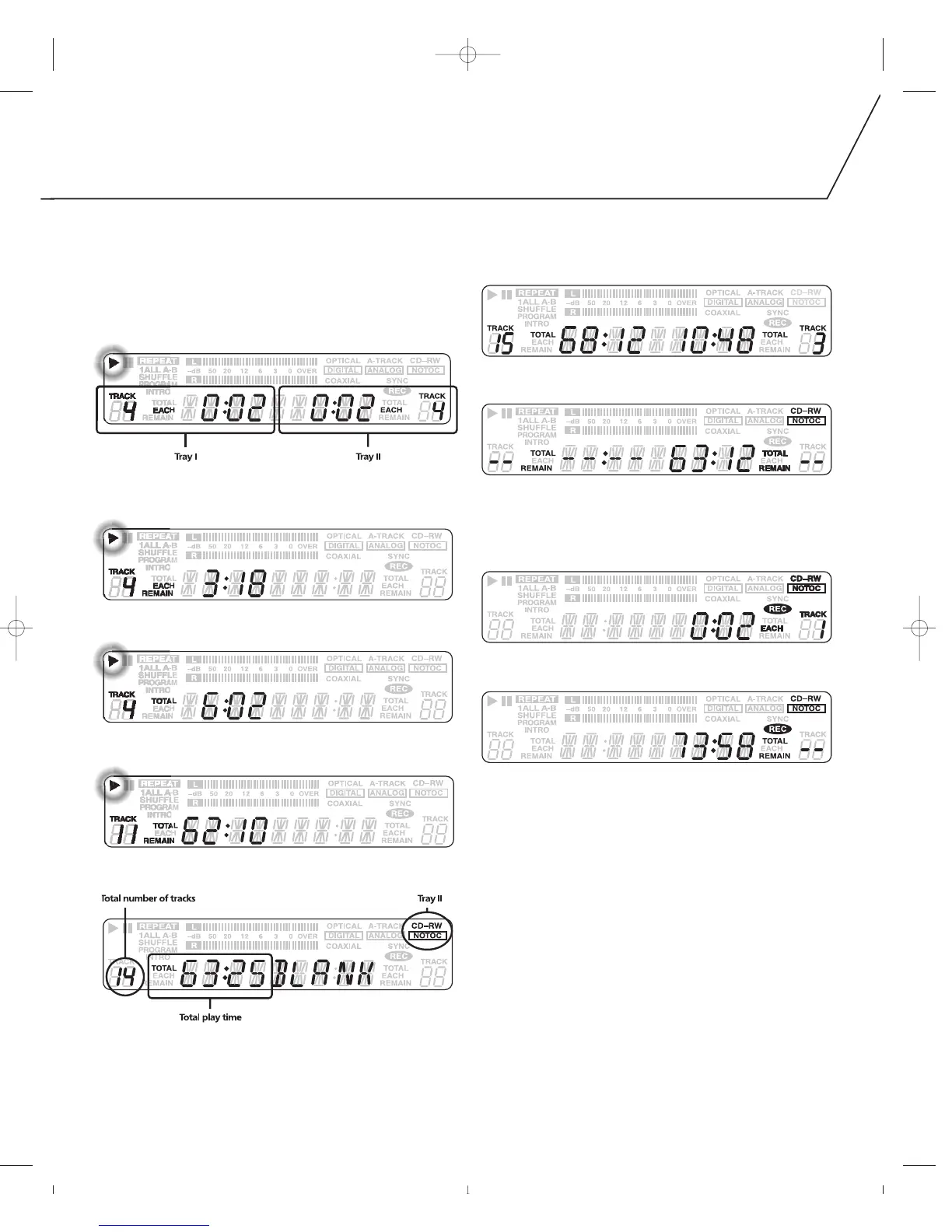
Press the TIME button on the remote control to switch the displayed
mode of time. Each instance the TIME button is pressed, the mode
changes as follows:
IN THE PLAY/PAUSE MODE:
1. Elapsed time of the current track being played.
2. Remaining time of the current track being played.
3. Elapsed play time of all tracks.
4. Remaining play time of all tracks.
5. The total play time and the number of tracks.
IN THE STOP MODE:
1. The total play time and the number of tracks.
2. Remaining recording time on the disc.
IN RECORDING MODE:
1. Elapsed recording time of the current track.
2. Remaining recording time on the disc.



 To Next Page