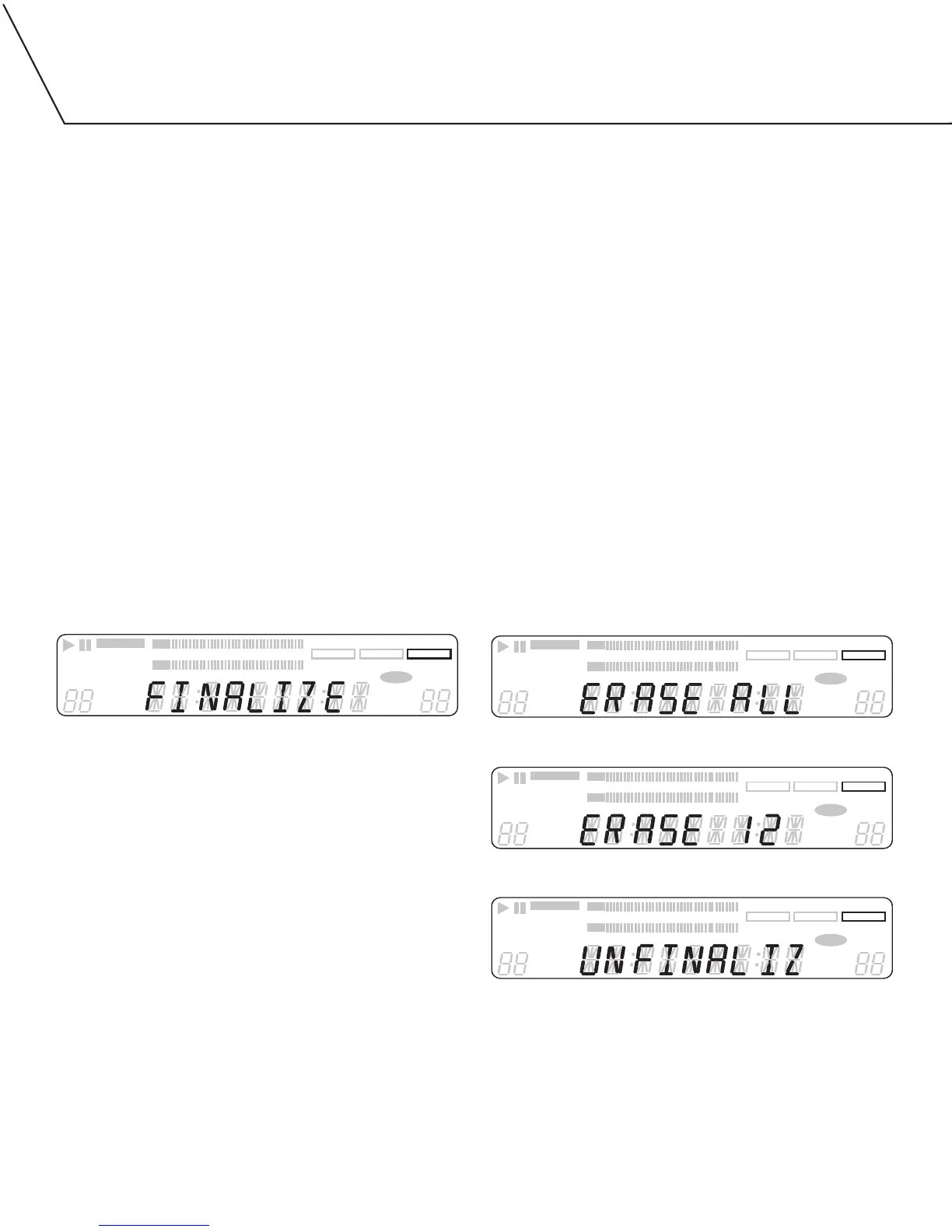
The last step in making a recording is the finalization process. Unless
this step is completed, the disc will not work in other players or the
DA-5900’s TRAY I. Once finalized, CD-R discs will play in virtually
any CD player. CD-RW discs will play in this unit and other CD-RW
compatible players. Check the specifications of your CD player if
you have questions about compatibility with CD-RW discs.
Once a CD-R disc has been finalized, it cannot be unfinalized.
A finalized CD-RW disc can be unfinalized, allowing you to erase
or add songs.
Unfinalized CD-R and CD-RW discs can only be played in the
DA-5900’s TRAY II. Unfinalized discs will not play in the unit’s TRAY I.
To finalize a disc:
1. Load an unfinalized disc in TRAY II.
2. With playback stopped, press and hold in the FINALIZE button for
three seconds.
• Finalization will take about 60 seconds.
• If for some reason you wish to cancel the finalize process, press
STOP [
■
].
• When the operation is finished, COMPLETE will appear briefly
on the display, then the display will return to its track/time
display mode.
• During the finalization process, all buttons are disabled. Never
turn the power off or unplug the power cord.
UNFINALIZING AND/OR ERASING A CD-RW
The following information only applies to CD-RW type discs. It does
not apply to CD-R discs.
• It is possible to erase the last recorded track. It is also possible
to erase a whole disc.
• Erase procedures are possible only on an unfinalized CD-RW disc.
If a CD-RW disc has been finalized, it must be unfinalized before it
can be erased.
To unfinalize a CD-RW:
1. Load a finalized CD-RW into TRAY II.
2. Press the FINALIZE button.
To erase an entire CD-RW:
1. Load a recorded CD-RW into TRAY II.
2. Press and hold in the ERASE button for three seconds.
•
If the disc was finalized, it will be automatically unfinalized and
erased. If the disc wasn’t finalized, it will still be erased.
To erase the last track on a CD-RW:
1. Load a recorded CD-RW into TRAY II.
2. If the disc is finalized, press ERASE to unfinalize the disc.
3. Press ERASE to erase the last track on the disc.
4. Repeat step 3 untill as many tracks as desired have been erased.
Erase all the tracks.
Erase the last track. In this example, track 12 is the disc’s last track.
Unfinalize the disc.


 To Next Page