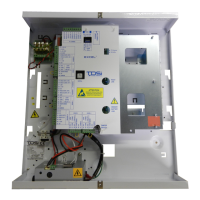
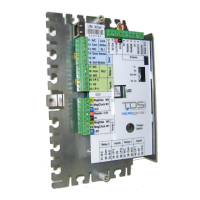
Need help?
Do you have a question about the TDSi GARDiS Series and is the answer not in the manual?
General configuration of the door controller.
Select the reader technology required from the drop-down menu.
To setup a schedule, click Schedules and rights from the top menu bar.
Assign a schedule to an access group by clicking Schedules and rights.
Create a new user/credential in the unit via the User section.
Create a user from an event in the embedded web server.
Import credentials from a file with a limitation of 100 users.
Delete all credentials in the unit by typing CONFIRM.
Allow credentials extra time to gain entry through a door using access groups.
Slave controllers allowing up to 4 doors per controller, max 10.
Allows an Aperio 485 hub to be added to the master controller.
Allows a Simons Voss 485 hub to be added to the master controller.
Allows a GARDIS IO extension board to be added to the controller.
Enable anti-passback on the unit by ticking the checkbox.
Enable timed anti-passback settings and set the duration.
Fix for restoration stuck message: create a new backup first.
 General
| Brand | TDSi |
|---|---|
| Model | GARDiS Series |
| Category | Controller |
| Language | English |

 To Next Page