Need help?
Do you have a question about the TDSi MICROgarde II and is the answer not in the manual?
Indicates an important operating instruction for preventing damage or injury.
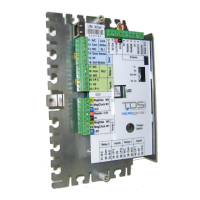
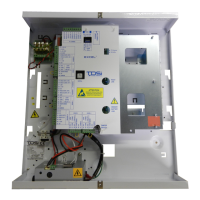
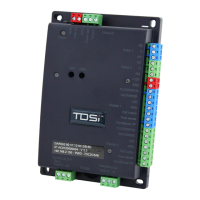
Details the physical components and connections of the MICROgarde controller unit.
Guides on mounting the MICROgarde controller securely on a surface.
Warns about fitting lock strike suppression devices to prevent damage and voiding warranty.
Recommends using screened cable for all connections for EMC protection and reliability.
Warns against incorrect wiring, which can cause irreparable damage and void the warranty.
Details connecting readers using various protocols and emphasizes shielded cable use.
Mandates fitting suppressors at each lock to prevent damage to the controller.
Guides on connecting an external PSU to the controller, including grounding and suppressor installation.
Outlines system checks and setting the rotary dial switch for the unit.
Provides a step-by-step guide to enter the unit's installer mode for testing.
Emphasizes disconnecting mains and warnings for equipment installation and wiring.
A severe warning regarding the danger of improper lithium cell replacement.
 General
| Brand | TDSi |
|---|---|
| Model | MICROgarde II |
| Category | Controller |
| Language | English |


 To Next Page